














 0 comments





What Changed in 2026
The market landscape shifted meaningfully in the last twelve months. Here are the verified data points that shape the guidance below:
- Global mobile app market projected to hit $633.71 billion in 2026 (Statista App Market Forecast).
- Apple raised Small Business Program earnings cap to $2M annually in 2026 (Apple Developer Program updates).
- Google Play developer fee remains $25 one-time; Apple fee remains $99/year (App store official pricing).
- Average iOS submission review time in 2026: under 24 hours (Apple Review Team stats).
- MVP mobile app cost in 2026: $25,000-$50,000 over 6-10 weeks (DianApps client benchmark data).
Related Reading From Our 2026 Guides
For deeper context, see these companion guides:
- Mobile App Development Trends 2026
- How Much Does Mobile App Development Cost in 2026
- AI App Development Cost for US Businesses
Updated for June 2026 · Quick Answer
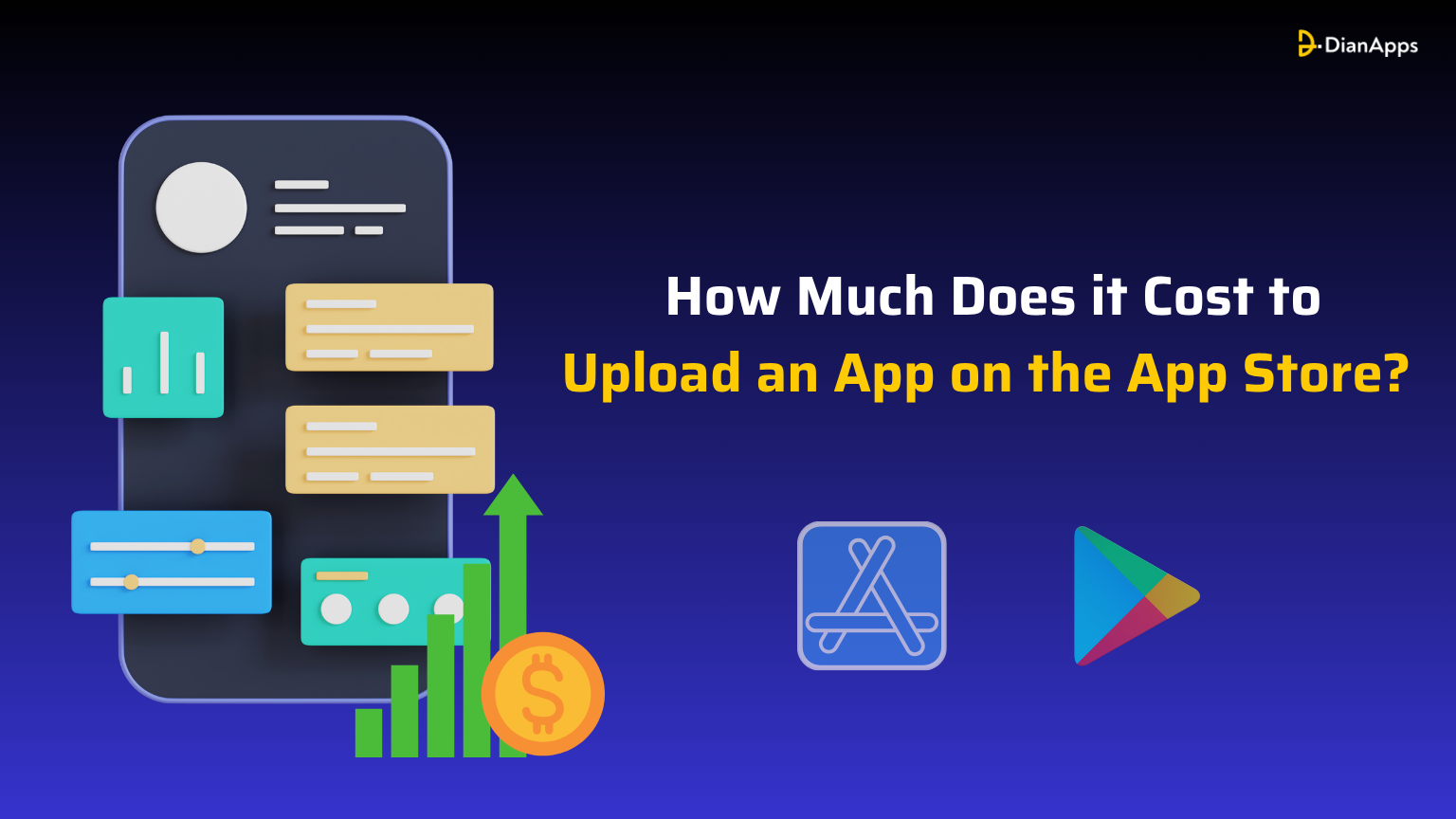
Uploading an app to the Apple App Store costs $99 per year for the Apple Developer Program. Publishing on the Google Play Store costs a one-time $25 registration fee. Both stores take 15% to 30% commission on paid app sales and in-app purchases. The full launch budget for a typical app in 2026 runs $30,000 to $150,000 including design, development, and testing (Statista, 2025).
The cost of uploading an app to the App Store or Google Play Store is not just the platform fee. The total launch cost includes developer account registration, the cost of building the app, testing infrastructure, ongoing platform commission, and post-launch maintenance. Understanding all of these costs ahead of time prevents the most common budget surprises after submission.
This guide breaks down the 2026 cost to upload an app on the Apple App Store and the Google Play Store, the hidden costs both stores charge, the submission process for each platform, and how to plan your full app launch budget. We also answer the seven questions buyers ask most often before paying their first $99 or $25.
For tips on driving more downloads after publishing, see our guide to optimizing App Store visibility.
Importance of Uploading an App to the App Store
Reaches a Global Audience
Publishing your app on the App Store gives you access to millions of users worldwide. It helps you reach new markets and grow your app’s user base without any geographic limitations.Builds Trust and Credibility
The App Store has a strict review process that ensures apps meet quality standards. This adds a level of trust for users who are more likely to download verified and approved apps.Improves App Visibility
When your app is listed on the App Store, it becomes searchable and can be featured in categories or charts. This helps increase downloads and makes it easier for users to discover it.Enables Easy Updates and Maintenance
Once your app is live, you can regularly push updates to improve performance, fix bugs, or introduce new features, all while keeping your users engaged and satisfied.Supports Monetization and Growth
The App Store allows you to earn revenue through in-app purchases, subscriptions, or paid downloads, helping you grow your business while offering value to your users.How Much Does it Cost to Upload an App to the Apple App Store?
To publish an app on the Apple App Store, you need to enroll in the Apple Developer Program. Apple charges an annual fee, which is a standard requirement whether you are an individual developer or a business. This fee gives you access to essential tools, beta testing through TestFlight, App Store distribution, and ongoing updates. It’s a small investment for reaching millions of iOS users across iPhones, iPads, Apple Watches, and more. Here’s a quick breakdown:| Type of Account | Cost (in USD) | Payment Frequency | Description |
|---|---|---|---|
| Individual Developer | $99 | Yearly | For solo developers or small teams under a personal name. |
| Organization/Company | $99 | Yearly | For businesses publishing under a company or brand name |
| Enterprise Program | $299 | Yearly | For internal apps used only within a specific organization. |
How Much Does it Cost to Put an App on the Google Play Store?
Publishing an app on the Google Play Store is much more straightforward in terms of cost. Google charges a one-time registration fee instead of an annual payment. Once you pay, your developer account remains active for life. After registration, you can publish as many apps as you want using the same account. This makes it a budget-friendly option, especially for indie developers or startups. Here’s the cost breakdown:| Type of Account | Cost (in USD) | Payment Frequency | Description |
|---|---|---|---|
| Developer Account | $25 | One-time | Required to publish apps on the Play Store. Lifetime access |
Factors Influencing Both the App Store Deployment Cost
While the standard cost of uploading an app might seem straightforward, there are many hidden or indirect factors that can affect your total spending. Here are the key ones to consider:Type of Developer Account
Apple requires an annual fee of ninety-nine dollars for individual or company accounts, while Google charges a one-time fee of twenty-five dollars. If you are a business or enterprise, your account type may also influence the type of support and access you receive, which could affect long-term costs.App Complexity and Features
A basic app with simple features costs far less to build and upload compared to an app that includes user logins, real-time data, payment systems, or advanced animations. The more complex the app, the higher the development and testing costs before submission.Design and User Interface Quality
A well-designed app not only improves user experience but also improves chances of approval on both platforms. Hiring professional UI and UX designers adds to the cost but ensures your app looks modern, intuitive, and platform-friendly.Third-Party Services and Integrations
If your app connects with external services such as chat support, map navigation, analytics tools, or payment gateways, these services often come with monthly or yearly fees that should be factored into your budget.Testing and Quality Assurance (QA)
Before uploading, every app should go through rigorous testing across devices and screen sizes. Investing in manual testing or automated QA tools ensures your app runs smoothly, but it does add to the pre-launch cost.Ongoing Maintenance and Updates
After publishing your app, you will need to keep it updated with new features, bug fixes, and compatibility improvements. This involves regular development time and possible costs for re-submitting to the store, especially with major OS updates.In-App Purchases and Revenue Share
If your app includes in-app purchases, subscriptions, or digital services, both Apple and Google take a percentage of that revenue, usually ranging from fifteen to thirty percent. This impacts your earnings and should be included in financial planning.Marketing and App Store Optimization (ASO)
Getting your app noticed requires more than just uploading it. From keyword research and writing compelling descriptions to running ads and creating app preview videos, marketing and App Store Optimization efforts come with their own costs.What is the Apple App Store?
The Apple App Store is a digital marketplace managed by Apple where users can discover, download, and update applications for iPhones, iPads, Apple Watches, and other Apple devices. It serves as the primary distribution platform for iOS apps and is known for its strong focus on app quality, security, and user experience. Here are some key features of the Apple App Store:- Global Reach: The App Store is available in over 175 countries, allowing developers to publish their apps to a worldwide audience and customize availability by region or language.
- Strict Review Guidelines: Apple maintains high standards for quality and security. Every app goes through a detailed review process before it gets approved for listing on the App Store.
- App Monetization Options: Developers can earn revenue through in-app purchases, paid app downloads, and subscriptions. Apple offers tools for managing pricing, offers, and payments.
- Advanced Analytics Tools: Developers get access to App Store Connect, which provides real-time insights on app performance, user engagement, crashes, and more.
- App Discovery and Promotion: Apps can be discovered through curated collections, top charts, search results, and editorial features, which can significantly boost visibility.
- Regular Updates and Version Control: Developers can submit app updates anytime to improve features, fix bugs, or stay compatible with the latest iOS versions.
Process of Submitting an App on the Apple App Store
Submitting an app to the Apple App Store involves a well-defined process. While it may seem complex at first, each step is essential for ensuring your app meets Apple’s quality and security standards. Here’s the complete submission process:Enroll in the Apple Developer Program
You need to sign up for the Apple Developer Program, which costs $99 per year. This gives you access to essential tools, beta testing, and distribution features.Prepare Your App for Submission
Before uploading, make sure your app is fully tested, bug-free, and follows Apple’s Human Interface Guidelines. Also, optimize for performance, design, and device compatibility.Set Up Your App in App Store Connect
Log in to App Store Connect and create a new app record. You’ll need to provide details such as app name, description, category, pricing, and availability.Upload the App Using Xcode
Use Apple’s Xcode software to archive and upload your app build. Ensure all certificates, provisioning profiles, and identifiers are correctly configured before submission.Configure App Store Listing
Add high-quality screenshots, preview videos, and app icons. Write a compelling description and enter keywords that help with App Store search optimization.Submit for Review
Once everything is ready, submit your app for review. Apple’s team will manually check your app for compliance with their guidelines. This review typically takes 24 to 48 hours, but can vary.App Approval and Release
If your app is approved, you can choose to release it immediately or schedule it for a future date. If it’s rejected, Apple provides detailed feedback so you can make necessary changes and resubmit.Monitor and Maintain
After launch, keep an eye on performance through analytics. Regularly update your app to fix bugs, respond to user feedback, and stay compatible with new iOS versions. By carefully following this process, your app not only gets accepted but also performs well and maintains a strong reputation on the platform. Don’t forget to read about useful Strategies to Increase App DownloadsWhat is the Google Play Store?
The Google Play Store is the official app distribution platform for Android devices, managed by Google. It allows developers to publish apps and games to a global audience while providing users with a safe, secure space to download apps they can trust. Here are some of the main features of the Google Play Store:- Wider Reach and Accessibility: Available in more than 190 countries, the Play Store is pre-installed on most Android devices, giving your app immediate access to a massive and diverse user base.
- One-Time Developer Fee: Google charges a one-time fee of $25 to create a developer account. Once set up, you can publish unlimited apps under the same account.
- Flexible Monetization Options: Developers can earn money through paid apps, in-app purchases, subscriptions, and ads using Google’s built-in monetization tools.
- App Release Control: Google allows staged rollouts, country-wise targeting, and device-specific release settings, giving you control over how your app is launched and where.
- Google Play Console Tools: Through the Google Play Console, developers can manage releases, view performance reports, fix issues, and optimize store listings for better visibility.
- Security and User Trust: Google uses automated scanning and Play Protect to ensure user safety, and apps go through a review process before they become available to download.
Steps to Publish an App on the Google Play Store
Publishing an app on the Google Play Store is relatively straightforward compared to other platforms, but it still requires a few critical steps to ensure success and compliance. Here is the complete process:Create a Google Developer Account
Visit the Google Play Console and sign up as a developer. You will need to pay a one-time registration fee of $25 and verify your account details.Prepare Your App for Release
Ensure your app is fully developed, tested, and free from bugs. Compress it into an APK or AAB format, optimize performance, and check that it meets Google’s content and device compatibility guidelines.Set Up App Listing Information
Fill out all the required app details such as app title, description, app category (game, education, lifestyle, etc.), contact information, and privacy policy. Also, upload screenshots, feature graphics, and an app icon.Upload the App Bundle or APK File
In the Google Play Console, navigate to the “Release” section and upload your APK or AAB file. Assign a version number and set the release track (internal, alpha, beta, or production).Set Content Rating and Target Audience
Complete the content rating questionnaire and specify the age group your app is designed for. This helps Google classify your app and makes sure it reaches the right users.Choose Pricing and Distribution Settings
Select whether your app is free or paid, and choose the countries where it should be available. You can also enable or disable specific devices.Submit for Review
Once everything is filled out and the app build is uploaded, submit it for review. The review process generally takes a few hours to a few days, depending on app complexity and compliance.App Goes Live
Once approved, your app will be published and visible to users. You can track performance, gather reviews, and push future updates from the Google Play Console. Following these steps carefully ensures your app not only launches smoothly but also remains secure, compliant, and ready to scale.Frequently Asked Questions
Final Words
Uploading an app to the App Store or Google Play Store is more than just a technical step; it is a critical moment that shapes your app’s future. From understanding the platform fees to navigating submission guidelines, every part of the process matters. Whether you are an independent developer or a business preparing to launch your next big idea, being informed about the real costs and requirements helps you make smarter decisions. And while both Apple and Google have their own systems, one thing remains common: the better you prepare, the smoother your app’s launch will be. If you feel overwhelmed by the process or want expert support, partnering with an experienced Android app development company can help you manage everything from development to deployment with confidence. Your app deserves the best start. Make sure it begins with clarity, quality, and the right guidance. 0 comments










Leave a Comment
Your email address will not be published. Required fields are marked *