















 0 comments
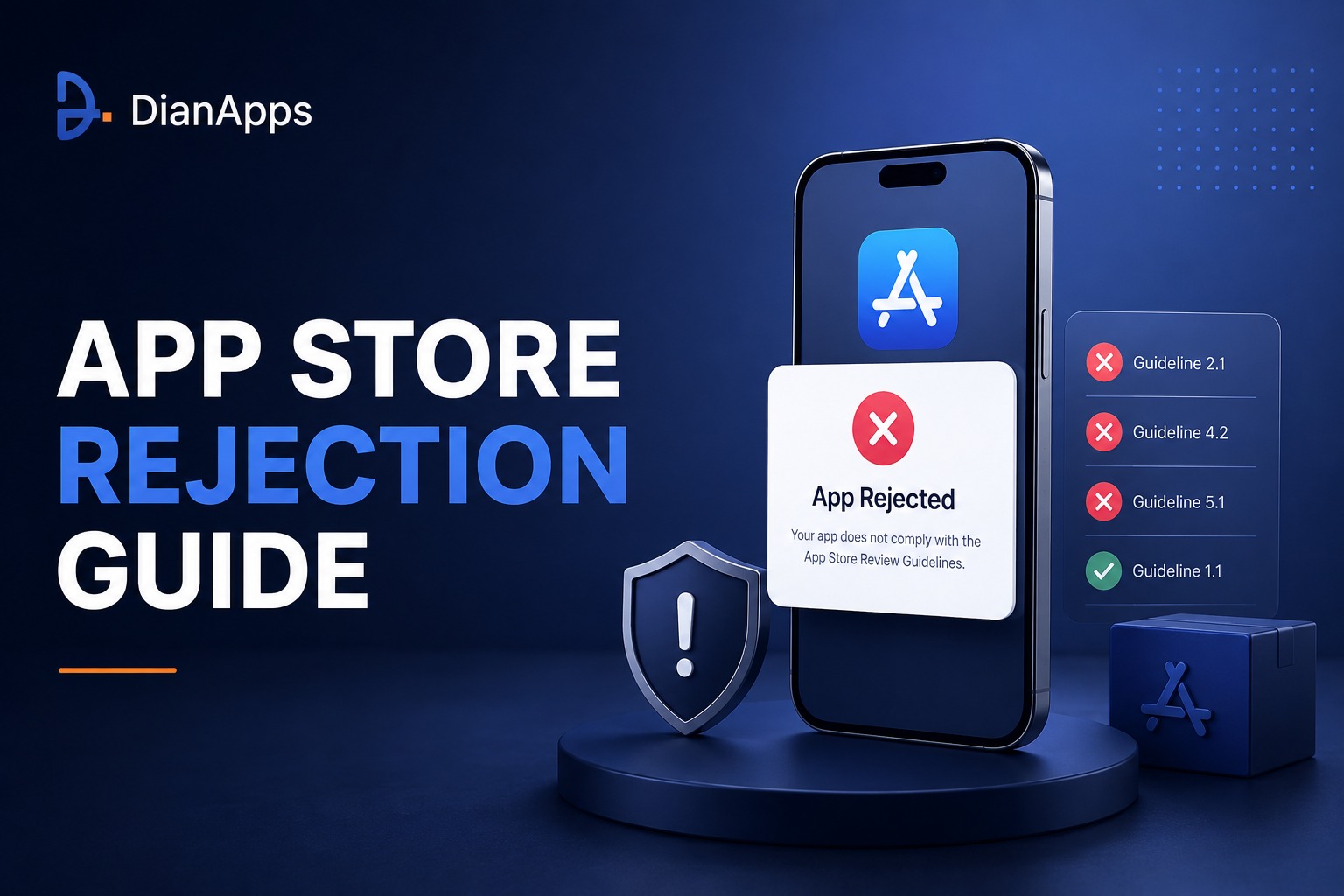





Getting an app on a phone is indeed a major accomplishment, however, getting an app approved for publication is not always a simple task. The submission of an application to Apple and Google Play requires compliance with their quality control, safety, privacy, functionality, content, business, and policy standards. Thus, an application’s rejection may lead to project delays, marketing issues, and development and design flaws.
The good news is that many app store rejection problems are preventable. The key is to treat store compliance as part of mobile application development, not as a final task performed immediately before release.
This guide covers the most common app store rejection reasons including how Apple’s App Review process differs from Google Play’s enforcement, and what you should prepare before submitting your app. It also walks through what to do after a rejection and how a mobile app development team can make compliance part of its regular release process.
If you’re still planning your product, take a look at the Mobile App Development Process first to see where store-readiness fits into the larger development lifecycle.
What Is an App Store Rejection?
Not every problem found during review leads to the same outcome. An app store rejection simply means that a submitted app or update has not been accepted for distribution because it does not satisfy the applicable platform’s requirements in the app store review process. Apple calls it App Review. On android the Google Play policies enforcement and review mechanisms are handled through Play Console.
There is also a difference between having an app rejected and facing an app removal or developer-account suspension. Those are separate enforcement actions, and the platform decides what happens based on the issue involved. So, before deciding how serious a rejection is or what needs to happen next, teams should read the exact communication they received from Apple or Google. The wording of that message usually tells you much more than the fact that the app was rejected..
Apple App Store vs. Google Play: Why Rejections Happen
| Area | Apple App Store | Google Play |
| Review focus | Safety, performance, business, design, legal and privacy requirements | Policy compliance, functionality, user safety, privacy, content and developer-program requirements |
| Submission platform | App Store Connect | Google Play Console |
| Typical feedback | Guideline section and review communication | Policy violation/enforcement notice |
| After rejection | Resolve, clarify and resubmit; appeal when appropriate | Fix violations, update releases as required, resubmit or appeal when appropriate |
| Preparation | Complete app, accurate metadata, reviewer access, privacy and IAP readiness | Stable functionality, policy compliance, accurate listing, permissions/data handling and release-track consistency |
Top App Store Rejection Reasons
1. App Crashes, Freezes or Has Broken Functionality
Test installation, onboarding, login, navigation, payments, core workflows, deep links, notifications, offline states and error handling on supported devices. A stable production build is the foundation of a successful review.
2. Incomplete App or Missing Reviewer Access
Reviewers need to be able to evaluate the functionality submitted. Provide required demo credentials, test data and instructions when login or restricted features are involved. Backend services, feature flags and review environments must also be available.
3. Privacy and Data-Handling Problems
Review permissions, privacy disclosures, analytics, authentication, advertising integrations, SDKs and backend data flows. Ensure actual data collection and sharing match the disclosures shown to users and in the relevant store forms.
4. Incorrect or Misleading Store Metadata
Titles, descriptions, screenshots, previews and feature claims should accurately represent the submitted build. Do not promote functionality that reviewers cannot find or use.
5. Minimum Functionality or Low-Value App Experience
A polished interface does not compensate for an app that provides little meaningful functionality. Avoid simply repackaging a website when the platform’s rules require a genuine app experience.
6. Incorrect Payment or In-App Purchase Implementation
Digital features, subscriptions and content can trigger platform-specific billing requirements. Review the applicable rules for the business model and ensure purchases submitted for review are visible and functional.
7. Intellectual Property, Copycat or Impersonation Issues
Review names, logos, icons, screenshots, content, fonts, APIs and third-party materials for appropriate rights. Avoid designs or branding that could be confused with another company’s product.
8. User-Generated Content Without Adequate Controls
Social, marketplace, community and messaging apps should have appropriate mechanisms for reporting, blocking, filtering, moderation and escalation where applicable.
9. Excessive Permissions or Poor Permission Explanations
Request only permissions required for the product. Review camera, microphone, location, contacts, photos, Bluetooth, notifications and other sensitive access, and make sure explanations match actual behavior.
10. Spam, Duplicated Apps or Low Differentiation
Submitting nearly identical apps or an app with little meaningful differentiation can create review problems. Make the product’s unique value clear and consolidate variants where appropriate.
11. Policy-Violating Content or Business Models
Content, monetization models, financial activity, regulated services and other business practices may trigger platform enforcement. Identify high-risk categories early and perform a dedicated compliance review.
12. App Store / Play Store Compliance Changes
Platform requirements evolve. OS APIs, SDK requirements, privacy expectations, billing rules and other policies can change after an app has already been accepted. Compliance therefore needs to continue throughout the app lifecycle.
Build an App That’s Ready for Approval
A great app needs ongoing care to stay secure, fast, and reliable. DianApps helps you monitor, maintain, and improve your mobile app so you can focus on growing your business.
Apple App Store Guidelines: Key Areas to Check
Apple’s App Store review guidelines cover several areas that can affect whether an app is accepted, including safety, performance, business, design and legal requirements. These rules are not fixed, so the current official guidelines are the best reference when preparing an app for submission. Checking them before each release can help teams catch requirements that may have changed since the last submission.
- Safety: prohibited or harmful content, user-generated content controls and user-safety considerations.
- Performance: app completeness, stability, accurate functionality, metadata and review access.
- Business: payments, subscriptions, pricing, business models and review manipulation.
- Design: minimum functionality, copycats, spam and overall app experience.
- Legal: privacy, data handling, intellectual property, identity and applicable laws.
Google Play Policy Areas to Review
Google Play’s policy ecosystem is broad. Teams should review the Developer Program Policies relevant to their app rather than rely on a generic checklist.
- Functionality and user experience
- Privacy, permissions and user data
- Restricted or regulated content
- Deceptive behavior and misleading claims
- Intellectual property
- Monetization and payments
- Ads and advertising behavior
- Malware, security and harmful behavior
- Developer/account integrity
- Store listing and metadata compliance
For broader product planning, see Building Your Own App: From Concept to Launch.
How the App Review Process Works
Apple App Review Process
- Prepare the final build, metadata and required supporting information.
- Test the app on real devices and verify important user journeys.
- Provide reviewer access, including demo credentials when required.
- Submit through App Store Connect.
- Monitor submission status and respond to App Review questions.
- If rejected, read the cited guideline and classify the issue as technical, policy, metadata, business or documentation related.
- Fix the issue, explain relevant changes and resubmit. If the decision appears incorrect, use Apple’s available communication or appeal process.
Google Play Review and Enforcement Process
- Prepare the release and verify policy compliance.
- Submit through Play Console and monitor policy status and review messages.
- If rejected, identify every policy issue described in the enforcement communication.
- Fix the violations rather than simply changing the version number or republishing the same non-compliant build.
- Update the required release tracks and deactivate non-compliant bundles when instructed.
- Resubmit the compliant build.
- If the enforcement decision appears incorrect, follow Google’s appeal process.
For the development lifecycle behind these steps, see The 7 Key Stages of Developing an App From Scratch.
Pre-Submission App Store Rejection Checklist
- App installs successfully on supported devices
- App launches without crashes or blocking errors
- Core user journeys work end-to-end
- Login credentials/demo account are available when required
- Backend services are active during review
- All buttons, links and navigation paths work
- Payments and subscriptions work in the appropriate review environment
- Privacy policy and data disclosures match actual data collection
- Permissions are necessary and correctly implemented
- Third-party SDKs are reviewed for policy/privacy impact
- Store title, description, screenshots and previews accurately represent the app
- Age/content ratings are accurate
- No placeholder content or unfinished screens remain
- Intellectual-property rights have been reviewed
- UGC moderation/reporting/blocking is implemented where applicable
- App meets minimum-functionality expectations
- Supported OS versions and devices have been tested
- Release notes and reviewer notes explain important changes
- Production monitoring and rollback plans are ready
For a broader launch-readiness resource, see The Ultimate Mobile App Launch Checklist.
How to Avoid App Store Rejection: A Better Development Workflow
- Mobile app compliance is easier to manage when it starts during development rather than being treated as a final check before submission.
- Identify sensitive areas early: payments, personal data, location, health, finance, children, user-generated content and regulated services.
- Design privacy and permission flows before implementation.
- Build automated unit, integration and regression testing into development.
- Maintain a staging environment suitable for realistic review testing.
- Run a dedicated pre-submission audit using the latest Apple and Google policies.
- Test the exact release candidate—not only an earlier development build.
- Prepare reviewer instructions, demo credentials and test data.
- Verify store metadata against the actual product.
- Submit early enough to leave time for remediation and resubmission before a hard launch date.
What to Do If Your App Is Rejected by Apple
- Read the exact guideline number and reviewer message.
- Reproduce the issue using the same flow described by the reviewer.
- Determine whether the cause is code, configuration, metadata, business logic, privacy, content or missing reviewer information.
- Fix the root cause rather than making a cosmetic change.
- Test the fix on relevant devices and flows.
- Explain the change clearly in the response/review notes.
- Resubmit the corrected build.
- If the decision appears to be based on a misunderstanding, provide concise evidence and use Apple’s communication or appeal process.
When dealing with an app rejected by Apple, start by reading the exact guideline number and reviewer message.
What to Do If Google Play Rejects Your App
- If you’re dealing with an app rejected by Google Play, open the policy/enforcement message and identify the specific policy area.
- Check Play Console Policy status and review related details.
- Audit the entire app for related Google Play policy violations.
- Update all relevant release tracks when instructed.
- Deactivate non-compliant bundles when required.
- Submit the corrected version only after the violation is resolved.
- Use the appeal process if you believe Google made an error.
Build for Google Play With Confidence
Work with experienced Android developers who can build, test, and prepare your app for Google Play’s evolving policy and technical requirements.
How to Write Effective Resubmission Notes
A strong response makes the reviewer’s job easier, and these app resubmission tips can help explain what changed and where it can be verified.
- Reference the policy or guideline mentioned by the reviewer.
- State the exact issue identified.
- Explain the root cause briefly.
- Describe the corrective action.
- Give the exact navigation path to verify the fix.
- Provide test credentials or special instructions where necessary.
- Explain functionality that may be unavailable without additional context.
- Keep the message factual, concise and professional.
Example Resubmission Note
Hello App Review Team,
Thank you for identifying the issue related to the affected feature. We have updated the app to address the reported behavior and completed regression testing on supported devices.
To verify the fix: sign in using the review account, open [feature], select [screen], and complete [action]. The updated behavior is now available in the submitted build.
We have also reviewed the surrounding user flow to ensure the same issue does not occur elsewhere. Thank you for reviewing the updated submission.
Common Mistakes When Responding to a Rejection
- Resubmitting the same build without fixing the cited issue.
- Changing only screenshots or metadata when the underlying problem is functional.
- Providing vague explanations instead of a reproducible verification path.
- Ignoring related policy requirements after fixing one violation.
- Failing to update required release tracks or bundles on Google Play.
- Arguing with the reviewer instead of providing evidence.
- Removing a feature temporarily without understanding why it violated the policy.
- Submitting immediately before a major launch with no time for another review cycle.
How Mobile App Developers Can Build for Store Compliance
Compliance should be a cross-functional responsibility shared by product managers, designers, developers, QA teams, security specialists, content teams and release managers. A capable Mobile App Development Company can integrate store-readiness into requirements, architecture, testing and deployment rather than treating approval as a final surprise.
- Product: validate business model and policy-sensitive features early.
- Design: create clear permission, consent and user-reporting flows.
- Developers: implement secure data handling, correct platform APIs and robust error handling.
- QA: test real-device behavior and critical user journeys.
- Security: review data flows, authentication, dependencies and vulnerabilities.
- Content/marketing: ensure store claims match the actual product.
- Release management: maintain versioning, signing, deployment and rollback procedures.
- Support: maintain a process for responding to store feedback and policy changes.
Role of a Mobile App Development Company in App Approval
Working with experienced mobile app developers can reduce avoidable submission failures because the same team can connect technical implementation with platform requirements. For businesses that need custom mobile app development, this means considering store compliance from the earliest product decisions.
An app development agency can also help audit an existing app before submission, identify technical or policy risks, prepare release candidates, perform regression testing, and manage remediation after a rejection. Businesses planning android app development or broader android application development should similarly include Google Play compliance in the release plan.
If you plan to hire mobile app developers, ask how they handle App Store and Google Play reviews, policy updates, reviewer access, testing, release management and rejection remediation—not just how quickly they can build the app.
If your team needs ongoing post-launch support, see Get Ongoing Support and Maintenance Services With Flutter.
Final App Store Readiness Checklist
| Category | Ready When… |
| Functionality | Core workflows work without crashes, freezes or blocking defects. |
| Reviewer Access | Reviewers can reach important features and have required credentials/instructions. |
| Privacy | Actual data collection and sharing match disclosures and platform requirements. |
| Permissions | Every sensitive permission has a legitimate product purpose. |
| Payments | Billing and in-app purchases follow applicable platform rules. |
| Metadata | Screenshots, descriptions and claims accurately match the submitted build. |
| Content | Content, UGC, moderation and age-related requirements are addressed. |
| IP | Branding, content, images and third-party materials are appropriately licensed or authorized. |
| Testing | The exact release candidate has undergone functional, regression and compatibility testing. |
| Release | Signing, versioning, deployment, monitoring and rollback procedures are ready. |
Get Your App Ready for Submission
Planning a launch or dealing with a rejection? Talk to our mobile app team about building, testing, and preparing your app for App Store and Google Play review.
Conclusion
App store rejection is often preventable when compliance is integrated into the mobile app development lifecycle. The strongest approach is not to memorize a list of rejection tricks, but to build a repeatable process that covers functionality, privacy, security, payments, content, metadata, intellectual property, reviewer access and platform-specific policies.
Apple and Google Play update their requirements, and each app can present different review questions. Always verify the current official guidelines before submission. With structured QA, accurate documentation, platform-aware development and a clear resubmission process, businesses can reduce avoidable delays and launch with greater confidence.
Frequently Asked Questions
What are the most common app store rejection reasons?
Common causes include crashes or broken functionality, incomplete submissions, privacy/data issues, misleading metadata, payment problems, intellectual-property issues, insufficient functionality, policy-violating content and missing reviewer access.
How to Fix App Store Rejection?
Start with the exact reason provided by Apple or Google, reproduce the issue, fix the root cause, test the release candidate, document the change clearly and resubmit the compliant build.
Why does Apple reject apps?
Apple may reject apps for issues involving safety, performance, business rules, design, privacy, legal requirements, misleading metadata, minimum functionality and other App Review Guidelines.
Why does Google Play reject apps?
Google Play app rejection can happen when submissions violate Developer Program Policies or fail requirements for functionality, privacy, security, content, monetization, metadata or other policy areas.
Can I resubmit a rejected app?
Yes. The normal approach is to correct the cited issue and submit a compliant version. Platform-specific communication and appeal options may also be available.
Does an app rejection mean the developer account is suspended?
Not necessarily. Rejection, removal and suspension are different enforcement outcomes. Review the platform’s exact communication to understand the status.
How can I prevent App Store rejection before launch?
Use the latest platform guidelines, test the exact release candidate, validate privacy and permissions, verify metadata, prepare reviewer access, test payments, review third-party SDKs and conduct a dedicated pre-submission compliance audit.
Should I hire mobile app developers who have App Store experience?
For a business-critical launch, platform-review experience can be valuable because it may reduce avoidable compliance, testing and submission problems and make rejection remediation more efficient.
 0 comments










Leave a Comment
Your email address will not be published. Required fields are marked *