














 0 comments
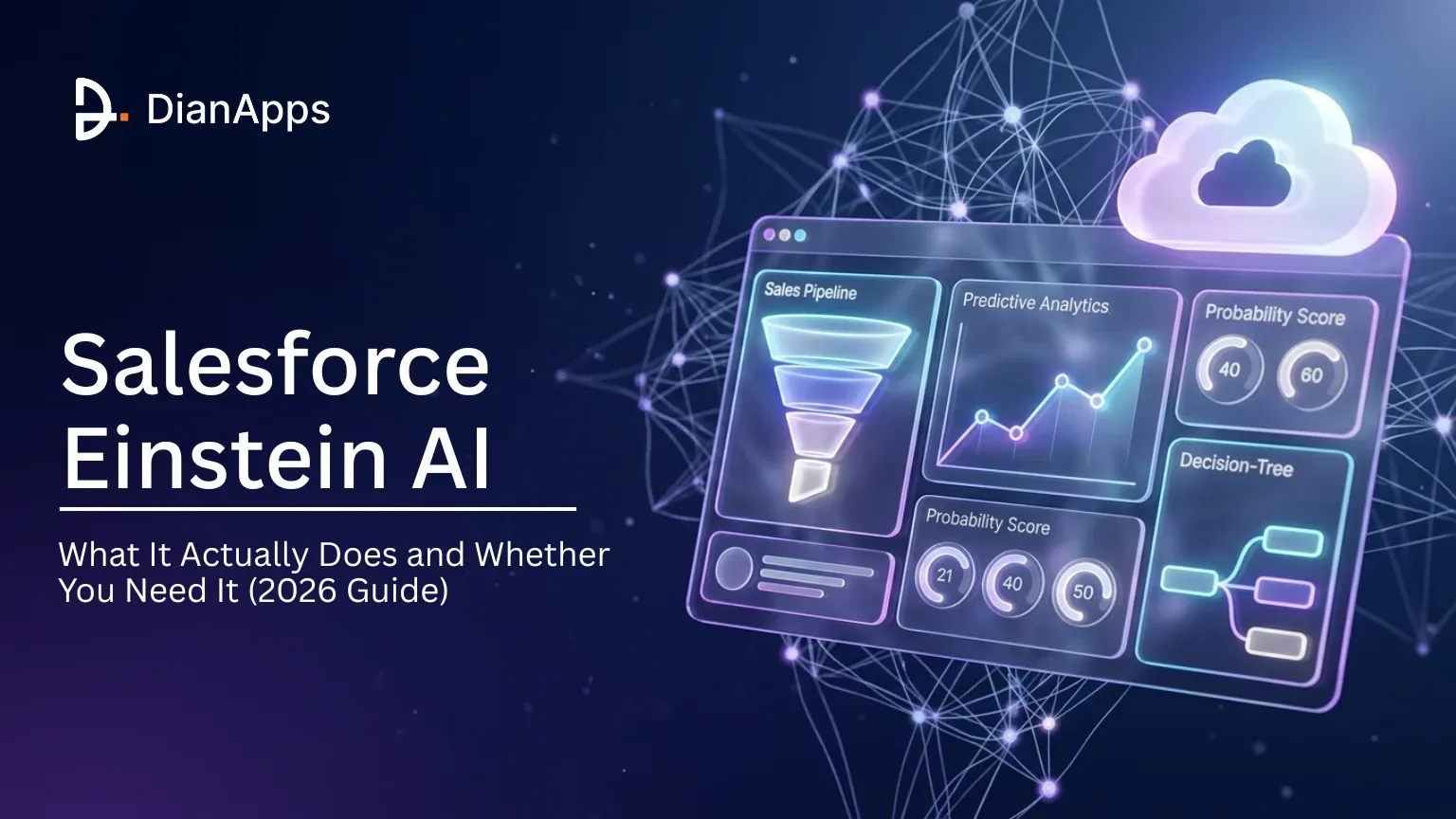





Einstein AI has been part of Salesforce since 2016. It started as predictive features like lead scoring and forecasting, and that is still what the Einstein name covers today. Salesforce’s newer generative and autonomous AI, including the assistant that used to be called Einstein Copilot, now sits under the Agentforce brand. This guide explains what Einstein still does, where Agentforce takes over, and which features are worth paying for.
Salesforce last published a usage figure for Einstein in November 2020: more than 80 billion predictions a day across its products. Big numbers like that don’t tell you much on their own. What matters is whether the predictions help your team close deals, resolve cases faster, or stop doing manual data entry.
We’ve deployed Einstein across Sales Cloud, Service Cloud, and Marketing Cloud for over 15 clients. Here’s what actually works vs. what’s marketing hype.
TL;DR: Salesforce Einstein is the predictive AI built into Salesforce: lead and opportunity scoring, forecasting, case classification and recommendations. Generative and autonomous AI, including the old Einstein Copilot, is now sold as Agentforce. Einstein’s scoring needs real data volume (for example, 1,000+ leads and 120+ conversions for a custom lead scoring model). Since September 2026, Salesforce’s Core, Advanced and Max editions bundle Agentforce with a yearly Flex Credit allowance. Start with Einstein Activity Capture, add scoring once you have the data, and pilot agents in a sandbox.
What Is Salesforce Einstein AI? (The Non-Marketing Answer)
Salesforce Einstein is the predictive AI layer inside Salesforce. In plain terms, Einstein is a collection of AI features, not a single product, embedded directly into the Salesforce platform to handle predictions, recommendations, automation, and autonomous task execution.
Here’s where most explanations go wrong. They treat Einstein as one thing. It’s not.
Since 2025, Salesforce’s AI comes under two names. Einstein covers predictive features, such as a lead score next to a lead record or a predicted case category. Agentforce covers generative and autonomous AI, from an assistant that drafts emails to an agent that resolves a billing dispute across several systems. Many older articles still call all of this “Einstein”, which is why buyers get confused about what they’re paying for.
The Four Layers of Einstein
Think of Salesforce Einstein AI in four layers, each one building on the previous:
Layer 1: Predictions. Einstein analyzes your CRM data and generates scores, forecasts, and recommendations. Lead scoring, opportunity insights, forecasting accuracy. This is the original Einstein from 2016, and it still works well.
Layer 2: Automation. Einstein triggers actions based on those predictions. Auto-routing cases to the right agent, suggesting next best actions for reps, and optimizing email send times. Less manual work, faster responses.
Layer 3: Assistant (formerly Einstein Copilot). Natural language interaction with your CRM. Ask “show me all open opportunities over $100K closing this quarter” and get an answer without writing a SOQL query. It summarizes records, drafts emails, and creates action items from meeting notes. Salesforce renamed Einstein Copilot to Agentforce in January 2025, so you’ll now find this under Agentforce in Setup.
Layer 4: Autonomous agents (Agentforce). AI agents that handle multi-step tasks end-to-end. A customer asks about a refund. The agent checks the order, verifies the policy, processes the return, and sends a confirmation, without a human touching it.
We’ve found that most orgs get the best initial ROI from Layers 1 and 2. The assistant is useful for everyday CRM questions. Autonomous agents can do far more, but they need careful setup, and usage costs grow with volume.
Salesforce’s AI works in four layers: predictions, automation, a natural-language assistant and autonomous agents. The first two carry the Einstein name. The assistant and agents are sold as Agentforce. Each layer adds complexity and cost.
Which Einstein Features Actually Matter in 2026?
Einstein’s feature set has grown a lot since 2016, and Salesforce has also retired some features along the way.But not every feature deserves your attention or budget. Here’s what we’ve seen deliver real results, organized by Cloud.
Sales Cloud Einstein
Sales Cloud is where Einstein has the longest track record and the most mature features.
| Feature | What It Does | Minimum Data Needed | Our Assessment |
| Lead Scoring | Ranks leads by conversion likelihood | 1,000+ leads created and 120+ converted in the last ~6 months (below that, Einstein uses a global model) | High ROI, measurable impact on conversion rates |
| Opportunity Scoring | Scores each open deal’s likelihood to close and shows the factors behind the score | 200 closed-won + 200 closed-lost opportunities in the last 24 months | Useful if reps actually check it |
| Einstein Forecasting | AI-adjusted revenue forecasts | 2 years of pipeline data | Significantly better than manual forecasting |
| Activity Capture | Auto-logs emails and calendar events | None (works immediately) | Must-have. Free in many editions. Start here. |
| Email Insights | Sentiment analysis on email threads | Active email integration | Nice-to-have, not essential |
Data volume is the real barrier for small orgs. Einstein Prediction Builder, which you use for custom predictions, needs at least 400 example records, including at least 100 positive and 100 negative outcomes. Lead Scoring and Opportunity Scoring have their own thresholds (see the table). If you’re below them, Einstein falls back to a global model built on anonymised data from other Salesforce customers. That gives you a score, but not one tuned to your business.
Activity Capture has no data threshold. It connects to Gmail or Microsoft 365 and logs emails and meetings against the right contacts and opportunities. One thing to plan for: by default, captured emails don’t show up in standard reports. Turn on “Sync Email as Salesforce Activity” if you need to report on them, because Salesforce is retiring Activity 360 Reporting in Summer ’26. We still recommend starting here for almost every client.
Service Cloud Einstein
Service Cloud Einstein shines in high-volume support environments.
| Feature | What It Does | Best For | Our Assessment |
| Case Classification | Auto-categorizes and routes incoming cases | 5,000+ cases/month | Our strongest Service Cloud pick. Needs 400+ closed cases from the last 6 months with subject and description filled in |
| Article Recommendations | Suggests knowledge articles to agents | reliable knowledge base | Only works if your KB is well-maintained |
| Reply Recommendations | Suggests agent responses based on history | 1,000+ resolved cases | Speeds up response time significantly |
| Next Best Action | Recommends optimal actions during case handling | Defined business rules | Built with Flow Builder (Strategy Builder is the legacy tool); needs a Service Cloud Einstein or Next Best Action licence |
Real talk: Case Classification is the standout. If your support team handles thousands of tickets monthly, auto-routing alone can save 15-20 hours of manual triage per week. We’ve seen that number firsthand across three Service Cloud implementations.
In one deployment for a mid-market SaaS company, Einstein Case Classification reduced average case routing time from 12 minutes to under 45 seconds, a 94% reduction. Agent handle time dropped 18% within 60 days.
Marketing Cloud Einstein
Marketing Cloud’s AI features are focused on timing and targeting.
| Feature | What It Does | Our Assessment |
| Send Time Optimization | Predicts optimal email delivery time per contact | Easy win; measure it against a control group, ideally on clicks rather than opens |
| Engagement Scoring | Scores contacts by engagement likelihood | Good for list segmentation |
| Content Recommendations | Suggests products/content per subscriber | Needs e-commerce data integration |
| Journey Optimization | Auto-selects best journey paths | Requires significant journey volume |
Send Time Optimization is the easiest win in Marketing Cloud. It requires almost no configuration and consistently delivers results. Engagement Scoring is a close second.
The Assistant (Formerly Einstein Copilot)
Einstein Copilot launched in April 2024, and Salesforce renamed it to Agentforce in January 2025 without changing what it does. If you set it up as Copilot, it now appears as “Agentforce (Default)” in Setup. Here’s what it can actually do:
- Natural language CRM queries. Ask questions in English. Get data without SOQL.
- Record summarization. Summarize an account’s entire history in 30 seconds.
- Action generation. “Create a follow-up task for this opportunity”, done.
- Email drafting. Context-aware email drafts pulled from CRM data.
And here’s what it can’t do well yet: complex multi-object queries, custom object reasoning, and anything requiring deep business logic. The assistant works best for standard objects and common workflows. The moment you need it to understand your custom Apex triggers or complex Flow logic, it struggles.
Agentforce: The Big 2025-2026 Addition
Agentforce is Salesforce’s platform for AI agents that handle multi-step tasks, such as resolving customer service issues, coaching sales reps, running an IT helpdesk and managing orders. It isn’t a rival to ChatGPT or Claude. Salesforce now lets you choose models from Anthropic, Google and others inside Agentforce, and offers Salesforce inside Claude.
Agentforce became generally available in October 2024. By the end of January 2026, Salesforce had closed more than 29,000 Agentforce deals, and Agentforce annual recurring revenue reached $800 million. By July 2026 it had passed $1.5 billion.
Here’s where it gets interesting. Agentforce agents don’t just respond to queries; they take action. An Agentforce service agent can look up an order, check a return policy, initiate a refund, update the case record, and email the customer. All without a human.
But, and this is important, Agentforce agents need careful guardrails. You define topics, actions, and escalation rules. Without proper configuration, an agent can take actions you didn’t intend. We always recommend deploying in a sandbox first with clearly scoped use cases.
Agentforce has been generally available since October 2024, and Salesforce reported more than 29,000 Agentforce deals by January 2026. Its agents handle multi-step work such as resolving service cases, coaching sales reps and automating IT helpdesk requests, with guardrails you set.
What Does Einstein AI Actually Cost?
Salesforce’s AI pricing is confusing, and it changed again on 3 September 2026, when new Core, Advanced and Max editions replaced Enterprise, Unlimited and Agentforce 1 for new customers. Here’s how it works now.
Einstein and Agentforce Pricing (After September 2026)
| Option | What’s Included | Cost (List Price) | Notes |
| Core Edition | CRM, Agentforce, Slack, analytics, and 500,000 Flex Credits per year | $195/user/month | Replaces Enterprise for new customers |
| Advanced Edition | Core features plus additional AI capabilities, including Agentforce Help Agent, and 1 million Flex Credits per year | $395/user/month | Replaces Unlimited |
| Max Edition | Full AI suite and 2.75 million Flex Credits per year | $550/user/month | Replaces Agentforce 1 at the same price |
| Flex Credits | Additional credits for agent usage | $500 per 100,000 credits (approximately $0.10 per standard action) | Applies to usage beyond the edition allowance |
| Agentforce Help Agent | Autonomous customer service agent | $2 per resolved conversation | Payment applies only when an issue is resolved |
| Legacy Editions (Enterprise, Unlimited) | Existing contracts and features | Unchanged at renewal | Agentforce available as an add-on, starting at $125/user/month |
| Data 360 (formerly Data Cloud) | Data unification and grounding | Varies by volume | Often required for advanced agents |
The Hidden Costs Nobody Talks About
The license fees are just the start. Here’s what else you’ll pay:
Implementation. Configuring Einstein properly requires a Salesforce development team that understands your data model, business rules, and integration points. Budget 40-80 hours minimum for a single Cloud deployment.
Data preparation. Einstein is only as good as your data. If your CRM has duplicate records, missing fields, and inconsistent formatting, you’ll need a data cleanup project first. That’s typically 20-60 hours depending on org size.
Training. Your team needs to understand what Einstein’s scores mean and how to act on them. A lead score of 85 is useless if reps don’t know the threshold for prioritization.
Ongoing tuning. Prediction models need regular evaluation. Are they still accurate? Has your business changed? We typically recommend quarterly model reviews.
Fair warning: agent usage looks cheap per action until you scale it. A service agent that takes three actions per conversation uses about $0.30 of Flex Credits per conversation. At 10,000 conversations a month, that’s around $3,000 a month, or $20,000 if you’re on per-resolution Help Agent pricing and every conversation is resolved. That’s on top of your edition licences, and your edition’s included credits run out faster than most teams expect.
Since September 2026, new Salesforce customers get Agentforce bundled into Core ($195), Advanced ($395) or Max ($550) editions, each with a yearly Flex Credit allowance. Usage beyond that costs about $0.10 per agent action, or $2 per resolved conversation for Help Agent. These costs scale quickly at high volume.
Does Your Org Actually Need Einstein?
Not every org needs Einstein, and plenty of orgs that pay for AI features don’t use them. Before you buy anything, work through these two lists.
You Probably Need Einstein If:
- You have 10,000+ records with clean, consistent data. Einstein’s prediction models need volume to work accurately.
- Your sales cycle is complex. Multiple touchpoints, long timelines, many stakeholders. Einstein Forecasting and Opportunity Scoring genuinely help here.
- You run high-volume support. Over 5,000 cases/month makes Case Classification and auto-routing worth the investment.
- Your team is data-driven. If your reps already use dashboards and act on metrics, they’ll adopt Einstein recommendations. If they don’t? They won’t start now.
- You’ve already invested in Data 360 (formerly Data Cloud). AI features and agents give better answers when customer data is unified.
You Probably Don’t Need Einstein If:
- Under 1,000 records. Not enough data to train prediction models. Period.
- Simple pipeline with 2-3 stages. You don’t need AI to tell you a deal in the “Verbal Commit” stage is likely to close.
- Your team won’t adopt it. The best AI features are worthless if nobody checks the scores or follows the recommendations.
- Budget is already stretched. Einstein is powerful. It’s also an additional cost on top of already-expensive Salesforce licenses. Don’t buy it because it sounds cool.
- Your data is a mess. Duplicates everywhere, fields half-filled, no data governance. Fix that first.
Here’s something worth working out before renewal: moving 1,000 users from Enterprise ($175) to Core ($195) adds $240,000 a year at list price, and moving to Advanced ($395) adds $2.64M. Unless you can tie the AI features in those editions to more pipeline or lower support costs that exceed the difference, the maths doesn’t work. Many teams get more value first from well-built Flow automation, which needs no extra licence.
Organizations with fewer than 1,000 records, simple sales pipelines or tight budgets often get better returns from well-built Flow automation than from paid AI features. Einstein pays off when you have the data volume, a complex sales cycle or high support volume, and a team that will act on the scores.
How Do You Implement Einstein Without Breaking Your Org?
In our projects, a phased rollout beats switching everything on at once. Rushing AI features into production across every Cloud at the same time wastes budget and frustrates users.
Step 1: Start with Einstein Activity Capture
Activity Capture is included in most Sales Cloud editions and is quick to set up. It logs emails, calendar events and contacts from Gmail or Microsoft 365 into Salesforce, so reps stop logging activities by hand, which most of them weren’t doing anyway. Two setup checks: connect Microsoft 365 through Microsoft Graph, and turn on “Sync Email as Salesforce Activity” if you want emails in standard reports. If you still use Lightning Sync, plan the move now, because Salesforce is retiring it.
This builds trust in AI-powered features before you ask your team to act on predictions.
Step 2: Enable Lead Scoring (With Enough Data)
For a lead scoring model trained on your own data, you need at least 1,000 leads created in roughly the last six months, with at least 120 of them converted. Below that, Einstein scores leads with a global model until you have enough data.Review the model’s factors, make sure they make sense for your business. Sometimes Einstein latches onto fields that correlate with conversion but aren’t causally meaningful.
We once saw a model that heavily weighted “Lead Source = Partner Referral”, which was accurate but already obvious to the sales team. The real value comes when Einstein surfaces non-obvious patterns.
Step 3: Give the Assistant to Admins First
Don’t roll the assistant (formerly Einstein Copilot, now under Agentforce in Setup) out to your whole sales floor on day one. Start with admins and power users. Let them test natural language queries, record summaries and action generation. Document what works and what doesn’t, and build a short prompt playbook with examples that actually produce useful results.
Then expand to a pilot group of 10-15 reps. Gather feedback. Iterate. Then go wider.
Step 4: Test Agentforce in Sandbox
Pick 3-5 specific use cases. Common starting points:
- Password reset requests
- Order status inquiries
- Appointment scheduling
- Basic account information updates
- FAQ-type product questions
Build the agent in the sandbox. Define topics, actions, and critically, escalation paths. Every Agentforce agent needs clear rules for when to hand off to a human. Test with internal users playing the customer role before going live.
Step 5: Measure ROI After 90 Days
Don’t evaluate Einstein after two weeks. Give it 90 days to accumulate enough prediction data, let users build habits, and let the models refine themselves. Then measure:
- Lead conversion rate change (before vs. after scoring)
- Average case handling time (before vs. after classification)
- Forecast accuracy improvement
- Time saved on manual data entry (Activity Capture)
- Agentforce containment rate (% of conversations resolved without human escalation)
If the numbers don’t justify the cost after 90 days, scale back. There’s no shame in turning off features that aren’t working for your org.
The most reliable rollout path is phased. Start with Activity Capture, enable lead scoring once you have 1,000+ leads and 120+ conversions, give the assistant to admins first, test agents in a sandbox before production, and measure results after 90 days.
How Does Einstein Compare to Third-Party AI Tools?
Salesforce isn’t the only way to add AI to your CRM. Here’s how Einstein and Agentforce compare with general-purpose AI models and standalone machine learning tools.
Einstein vs. a Custom OpenAI or LLM API Integration
| Factor | Einstein | Custom LLM API Integration |
| CRM Data Access | Native, reads Salesforce data directly | Requires a custom API build |
| Setup Complexity | Low (configuration) | High (development) |
| Customization | Limited to Salesforce’s framework | Nearly unlimited |
| Cost Model | Per-user editions plus Flex Credit usage | Per-token consumption |
| Maintenance | Salesforce-managed | You maintain it |
| Best For | Standard CRM predictions | Complex text generation, custom models |
Einstein vs. Claude (Anthropic) Integration
Claude’s strength is in reasoning, long-context understanding, and nuanced text generation. Some orgs are building Claude-powered integrations via Salesforce’s API framework to handle tasks Einstein can’t, like analyzing 50-page contracts attached to opportunities or generating detailed proposal drafts from CRM data.
That no longer always means custom Apex. Salesforce now offers Claude as a model choice inside Agentforce through Amazon Bedrock, and Salesforce in Claude (Claudeforce) brings CRM data and actions into Claude with your Salesforce permissions. Custom builds still make sense for unusual workflows. Einstein’s advantage for standard CRM predictions is that it’s already connected and runs inside your Salesforce trust boundary.
Einstein vs. Standalone ML Tools (DataRobot, H2O.ai)
For orgs with data science teams, tools like DataRobot and H2O.ai offer far more flexibility in model building. You can train custom models on data from multiple sources, not just Salesforce. But you also need to build the integration pipeline, manage model deployment, and handle the infrastructure.
When to Use What
Use Einstein when: – Your AI needs are CRM-centric (lead scoring, case routing, forecasting) – You want minimal development effort – Your data lives primarily in Salesforce – You need Salesforce’s trust and compliance framework
Use third-party AI when: – You need custom models trained on non-Salesforce data – Your use case involves complex document analysis or generation – You have a data science team that can build and maintain integrations – You want model transparency and control over training data
And some orgs use both. That’s fine. Einstein handles CRM predictions natively, while Agentforce or an outside model such as Claude or GPT handles complex generative tasks. They’re not mutually exclusive.
Einstein is strongest at native CRM predictions with little setup. Outside models such as Claude and GPT, now available inside Agentforce or connected through Salesforce’s integrations, give more flexibility for custom models and complex document analysis.
Making the Right Call on Einstein
Salesforce Einstein is a mature, capable set of predictive tools with real constraints. The prediction features work well for orgs with enough data. The assistant (formerly Copilot) is useful for everyday CRM questions. Agentforce agents are the biggest change in years, and they work best when you start narrow and add guardrails.
The honest take? Start small. Turn on Activity Capture today. Enable lead scoring when you have the data. Test the assistant with your admin team. Pilot Agentforce in a sandbox with clear use cases and guardrails. Measure everything after 90 days.
Don’t jump to a higher edition because it sounded essential during renewal season. Buy the features that solve a specific, measurable problem for your team.
If you’re considering Einstein for your Salesforce org, we can assess which features will actually deliver ROI for your specific setup. Our team has deployed Einstein across 15+ implementations; we know what works, what doesn’t, and where the budget traps are. Reach out for a Salesforce consulting conversation.
 0 comments





Your email address will not be published. Required fields are marked *