














 0 comments




Key Takeaways:
- Gemini Spark, Meta Muse, and OpenAI Dots run on vendor cloud VMs, while Perplexity Personal Computer runs on your Mac with an optional cloud half (Simular, 2026).
- Gemini Spark comes included in paid Google AI tiers and works natively inside Gmail, Calendar, Drive, and Chrome auto-browse.
- Perplexity Personal Computer is the only option touching Finder, Mail, Notes, and Microsoft 365 directly with a zero-credit local mode.
- OpenAI Dots delivers persistent project agents with dedicated cloud computers, though it remains unavailable across the EEA, UK, and Switzerland.
- Meta Muse offers a free plan alongside $20 and $100 tiers, using a Sentinel permissions gatekeeper worth reviewing alongside late-2026 security reports.
Quick Answer: Gemini Spark is the best personal AI agent for Google Workspace users, Perplexity Personal Computer leads for local file and desktop control, OpenAI Dots suits ChatGPT power users, and Meta Muse offers the best free entry tier. All four operate as always-on agents, so the deciding factors come down to where the agent runs, which apps it can touch, and which region you live in.
A year ago, a personal AI meant a chat tab you opened whenever you needed an answer. In 2027, it operates as a background worker with its own computer, its own browser, and standing permission to act across your accounts while your phone sits locked, mirroring patterns now adopted through enterprise AI agent development services.
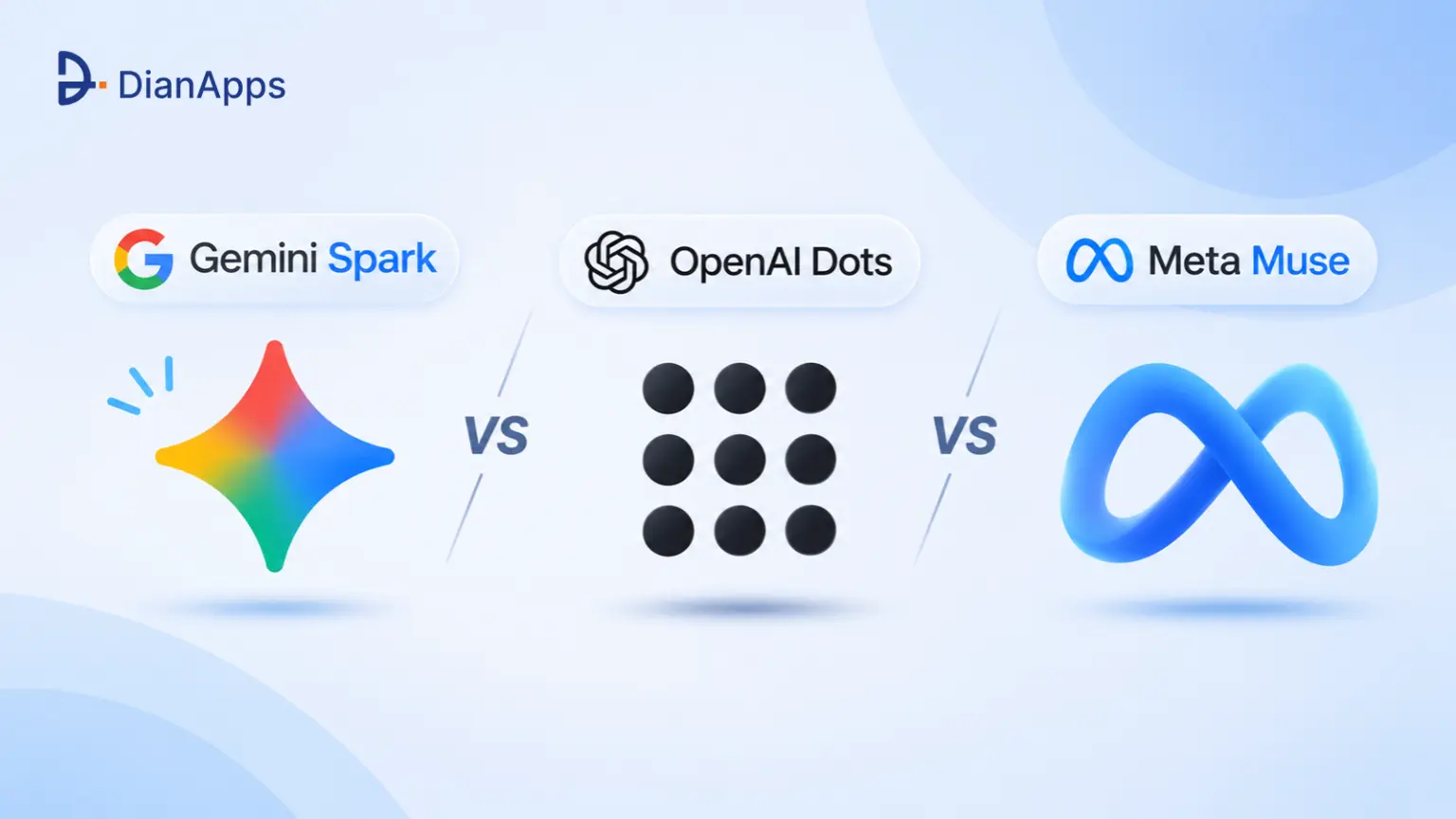
This Gemini Spark vs OpenAI Dots vs Meta Muse vs Perplexity Personal Computer comparison covers where each agent runs, how it remembers you, how it is sandboxed, what it costs, and which regional or operating-system limits narrow the choice for you. Because we evaluate these as everyday consumer products, usability matters just as much as privacy incidents and hidden credit caps.
Quick Verdict and Key Takeaways: Which Personal AI Agent Is Best?
Gemini Spark wins for Google Workspace users, Perplexity Personal Computer wins for local desktop control, OpenAI Dots wins for ChatGPT power users, and Meta Muse wins on free entry. No single product takes every category because all four solve the problem from different starting points: your Google account, your ChatGPT account, Meta’s cloud, and your own Mac.
- Best for Google Workspace users
- Gemini Spark: Always-on and embedded inside Gmail, Calendar, Drive, Docs, and Meet, it learns recurring habits and triggers background tasks automatically.
- Best for local file and desktop control
- Perplexity Personal Computer: This hybrid local-plus-cloud agent runs on macOS, Windows, and Linux with a 24/7 Mac mini mode and iPhone remote control.
- Best for ChatGPT power users
- OpenAI Dots: Persistent project agents come with a custom handle, approval settings, and commerce features on Pro, Business, and Enterprise alongside a gradual Plus rollout.
- Best free entry tier
- Meta Muse: Its free plan alongside $20 and $100 subscriptions connects across WhatsApp, web, mobile, macOS, and Meta smart glasses.
Regional availability stays uneven because Dots is restricted in the EEA, UK, and Switzerland, Muse launched US-first, and Spark rolls out market by market.
Master Comparison Table: Personal AI Agents Side by Side
Three of the four agents execute inside vendor cloud VMs while one runs on your own hardware, and that single split drives almost every difference in privacy, file access, and monthly cost. These six properties determine which subscription fits your daily workflow.
| Property | Gemini Spark (Google) | OpenAI Dots | Meta Muse | Perplexity Personal Computer |
|---|---|---|---|---|
| Where it runs | Google cloud, always-on 24/7 | Its own cloud computer and browser per dot | Dedicated Secure VM in Meta’s cloud | Hybrid: your Mac, Windows or Linux machine plus Perplexity cloud, or 100% local |
| Cross-app and local file access | Gmail, Calendar, Drive, Docs, Meet, Chrome auto-browse, third-party connectors | Connected external apps, commerce and wallet, optional connected computer | Watchable live browser, commerce (Stripe, Shopify, Expedia, Instacart), macOS app control | Local folders, Finder, Mail, Notes, Microsoft 365, Comet browser, 20+ cloud models |
| Memory architecture | Behavioral learning across Google apps, habit-triggered background tasks | Persistent project progress between conversations plus ChatGPT memory | Persistent across sessions on the VM, Realtime Avatar mode | Local session and file context, orchestrator memory, not fully detailed publicly |
| Security and approval controls | Google account permissions, task approvals | Granular user approval settings, passwords hidden from model | “Sentinel” permissions gatekeeper, checks before purchases and emails | On-device authorization, 2FA from iPhone, full audit trail, kill switch |
| Regional and OS limits | Expanding globally including US and India, availability varies by tier | Not available in EEA, UK or Switzerland, Enterprise billing from Jan 2027 | US-first launch, mobile, web, WhatsApp, macOS, Meta glasses | macOS, Windows, Linux, iPhone remote, local mode needs Apple Silicon or NVIDIA RTX |
| Monthly pricing | Included in Google AI Pro, AI Ultra and Workspace plans | ChatGPT Pro, Business, Enterprise, rolling out to Plus ($20) | Free, $20, $100 | Perplexity Pro $20 (pay-as-you-go credits), Max $200 (10,000 Computer credits) |
When “my local files” matters most to your work, only one option fits, whereas if “my Google account” drives your day, a completely different option takes the lead.
Architecture and Execution Environment: Cloud VMs vs Your Own Mac
OpenAI Dots, Meta Muse, and Gemini Spark run on vendor-hosted virtual machines with their own browsers so they keep working when your devices are off, while Perplexity Personal Computer runs on your own hardware and borrows cloud models only when permitted. Cloud VMs win on convenience and uptime, whereas local execution wins on native app access and keeping files where they sit.
How do the cloud VM agents work?
Each Dot receives its own cloud computer and browser preloaded with the apps you connect, building on patterns used to build OpenAI AI agents that keep advancing a project between conversations (OpenAI, September 2026). Meta Muse runs inside a dedicated Secure Virtual Machine featuring a live browser you can watch in real time (Meta, September 2026), while Spark lives inside Google’s infrastructure so it acts inside Gmail and Calendar without needing a browser.
That convenience comes with an obvious trade-off: your data gets copied into a vendor VM, and the agent can only touch services you explicitly connect rather than files sitting on your desk.
How is Perplexity’s hybrid model different?
Personal Computer installs on macOS 14 Sonoma or later, Windows, and Linux, letting its orchestrator decide per task whether to execute locally or call one of 20+ frontier cloud models. Running on a dedicated Mac mini keeps it online 24/7 while letting you start and approve actions right from an iPhone (MacRumors, April 2026).
Since October 2026, a fully local mode handles planning, reasoning, and file tasks on-device using Qwen 3.6 or Perplexity’s PPLX Pro model with zero credit burn on Apple Silicon machines with 36 GB or more of memory (9to5Mac, October 2026). Perplexity notes that its local orchestrator can still fall back to a frontier model for complex reasoning, making local execution a strong default rather than an absolute guarantee.
Want an Always-On AI Agent Built on Your Own Infrastructure?
Talk with our AI team about bringing persistent memory, custom approval flows, and private data residency to an internal enterprise agent you control completely.
Memory and Proactivity: How Does Each Agent Remember and Work While You Sleep?
Gemini Spark learns recurring habits across Google apps and triggers background tasks on its own, OpenAI Dots keeps persistent project progress between conversations, Meta Muse stores state on its VM across sessions, and Perplexity Personal Computer remembers through local sessions and files. Proactivity feels strongest in Spark, while project continuity stands out in Dots.
- Gemini Spark: Behavioral learning serves as the headline feature, meaning if you forward the same report every Monday, Spark begins drafting it before you ask as part of a 24/7 agent that keeps working when your laptop closes (Simular, 2026).
- OpenAI Dots: Each dot acts as a long-running project agent complete with a handle like @yourname-dot, an avatar or pet, and dedicated notes so progress persists across chats on top of ChatGPT memory.
- Meta Muse: State lives on the Secure VM while Realtime Avatar mode gives you a visual persona to talk with, keeping proactivity lighter than Spark’s and focused mostly on errands and purchases.
- Perplexity Personal Computer: Grounding memory directly inside your actual files and native apps works wonderfully for research and document tasks, though Perplexity has not published full details of its long-term memory architecture (MarkTechPost, November 2026).
Because an agent that acts without asking only saves time once its approval boundaries are tuned properly, proactivity works as both a major feature and a genuine liability.
Privacy, Sandboxing and Real-World Safety
Meta Muse gates actions through a permissions layer called Sentinel before purchases and emails, OpenAI Dots provides granular approvals while hiding passwords from the model, Gemini Spark inherits Google account permissions, and Perplexity Personal Computer offers a local-only mode with on-device authorization and a full audit trail. None of them removes the need for strict permission hygiene.
What did the Meta Muse security reports find?
Late-2026 security research reported by Claroc and Reuters pointed out notification-reading boundaries and shared-link exposure inside Muse. Simply put, the agent could read more of a device’s notification stream than many users expected, and links generated by the agent could expose private content once shared, prompting Meta to reinforce Sentinel checks and reminding users to audit WhatsApp and macOS permissions carefully.
How do the approval models compare?
| Control | Gemini Spark | OpenAI Dots | Meta Muse | Perplexity Personal Computer |
|---|---|---|---|---|
| Approval before purchases | Via connected service | Granular per-dot settings | Sentinel check | On-device authorization |
| Approval before sending email | Task-level approval | Granular per-dot settings | Sentinel check | Native Mail with approval |
| Credential handling | Google account | Passwords hidden from model | Meta account and VM | Local keychain, 2FA from iPhone |
| Local-only option | No | No | No | Yes, zero-credit local mode |
| Audit trail | Activity in Google account | Dot activity log | VM session view | Full action log, kill switch |
How should you configure approvals safely?
- Start read-only: Connect calendars and email in read-only mode first, then unlock sending or purchasing only after spending a week reviewing the agent’s drafts.
- Separate wallets: Keep a dedicated payment card with a strict low spending limit whenever you test Dots commerce or Meta Muse purchases.
- Audit shared links: Assume anything your agent publishes or exports is publicly reachable until you verify its sharing permissions yourself.
- Prefer local for sensitive files: Keep tax returns, medical records, and legal contracts inside Perplexity’s local mode or completely away from connected agents.
Pricing, Credits and Hidden Limits
Gemini Spark, OpenAI Dots, and Meta Muse sell flat subscriptions or bundled tiers, whereas Perplexity Personal Computer meters cloud tasks through Computer credits, making Perplexity cheapest for local-heavy work and priciest for cloud-heavy tasks. For every product on this list, the sticker price rarely tells the whole monthly story.
| Agent | Entry price | What is included | Hidden limit to watch |
|---|---|---|---|
| Gemini Spark | Google AI Pro (about $20) or AI Ultra, Workspace plans | Always-on agent in Google apps | Tier gating varies by market, free Gemini tier narrowed in October 2026 (MuseAI Codes, 2026) |
| OpenAI Dots | ChatGPT Pro, Business, Enterprise, Plus rollout ($20) | First dot included on eligible plans | Plus rollout is gradual, EEA, UK and Switzerland excluded, several sources list Pro at $100 as the reliable entry (TechVerdict, 2026) |
| Meta Muse | Free, $20, $100 | Secure VM, live browser, commerce | Usage caps on free tier, US-first availability |
| Perplexity Personal Computer | Pro $20 with pay-as-you-go credits, Max $200 with 10,000 credits | Local and hybrid agent, 20+ models | Cloud tasks burn credits fast, forum reports of $20 of credits gone in two tasks (MacRumors forums, 2026) |
If you plan to run an agent all day on cloud models, a flat subscription stays far more predictable, whereas Apple Silicon or NVIDIA RTX owners can drive Perplexity’s local mode down to zero ongoing cost when tracking AI agent ROI.
Which Personal AI Agent Should You Choose?
Choose Gemini Spark if your daily work lives in Google, Perplexity Personal Computer if you depend on local files and desktop apps, OpenAI Dots if you already pay for ChatGPT Pro, and Meta Muse if you want to test an always-on agent for free. Each real-world scenario below points to the strongest fit.
- You run a small business on Gmail, Calendar and Docs: Pick Gemini Spark because it already sits inside those tools and habit learning pays off fastest on repetitive admin, much like mortgage broker AI agents handling client follow-ups.
- You are a researcher, analyst or writer with gigabytes of local files: Run Perplexity Personal Computer on a Mac mini while keeping sensitive drafts in local mode.
- You already pay for ChatGPT Pro and run long projects: Choose OpenAI Dots for persistent project agents with their own computers, provided you live outside the EEA, UK, and Switzerland.
- You want errands, shopping and WhatsApp convenience at no cost: Try the Meta Muse free tier with tightened Sentinel approvals and a low-limit payment card.
- You are in the EU or UK: Go with Gemini Spark or Perplexity Personal Computer since OpenAI Dots remains unavailable and Meta Muse launched US-first.
- You need a 24/7 agent and own no spare hardware: Pick any of the three cloud agents depending on whether your center of gravity is Google, ChatGPT, or a free WhatsApp workflow.
Bring Always-On AI Agents to Your Business Workflows
Book a free consultation with our AI engineers to plan secure, custom-built agents with private memory, human approvals, and seamless internal system integrations.
How DianApps Builds Always-On Agents for Businesses?
DianApps, a mobile and AI app development company, helps enterprises and scaling startups across 25+ countries build AI agents with 150+ engineers, 350+ clients served, and a U.S. delivery presence backed by a 4.8/5 Clutch rating across 81+ reviews with Premier Verified status.
The always-on pattern these consumer assistants popularized, including persistent memory, human approvals, and connected tools, is exactly what businesses now ask our engineers to build inside their own infrastructure. Our AI development services cover LLM development, generative AI, AI agents, multi-agent frameworks, conversational AI, NLP, computer vision, and machine learning.
For an individual user, one of these four consumer products is almost always the smarter pick rather than a custom build. Where DianApps adds real value is when a company needs an internal agent that respects strict data residency, integrates with proprietary systems, and passes security audits, whether deploying standalone or platform agents across enterprise workflows.
Conclusion
Choosing between Gemini Spark, OpenAI Dots, Meta Muse, and Perplexity Personal Computer comes down less to which model scores highest and more to where your data already sits. Spark already lives inside your Google account, Dots sits inside ChatGPT, Muse connects through WhatsApp, and Perplexity runs directly on your Mac.
Pick the agent that already lives where your data sits, start it in read-only mode for the first week, and only connect a payment method once it earns that trust. Watch your credit meter or tier limits closely during the first month before relying on it for daily operations.
If your business wants that same always-on workflow inside its own private systems, DianApps can design the agent architecture, approval gates, and integrations with your team.
 0 comments







Your email address will not be published. Required fields are marked *