














 0 comments





Key Takeaways:
- OpenClaw gives full host access unless sandboxed, Hermes Agent fails closed with approval prompts, and NanoClaw isolates every agent group in a Linux container.
- Built with roughly 4,000 lines on the Claude Agent SDK, NanoClaw restricts each agent to explicitly mounted paths so a single developer can audit it in an afternoon (Product Hunt, 2026).
- Hermes Agent turns repeated tasks into reusable skills through cross-session Markdown memory, user modeling, and automatic skill authoring (Decrypt, 2026).
- OpenClaw supports around 24 chat platforms and 5,700+ ClawHub skills, giving it both the largest ecosystem and the widest supply-chain surface (dev.to, 2026).
- All three projects use an MIT license, leaving a $5 to $20 VPS and background heartbeat tokens as your main monthly expense unless you run local models.
Quick Answer: NanoClaw is the safest open-source personal AI agent by default, Hermes Agent is the best choice for self-improving memory and model flexibility, and OpenClaw leads on channel breadth and ecosystem size. Pick NanoClaw when you are Claude-first and want container isolation without configuration, pick Hermes if you want an agent that compounds over time, and pick OpenClaw when you need more than twenty chat platforms.
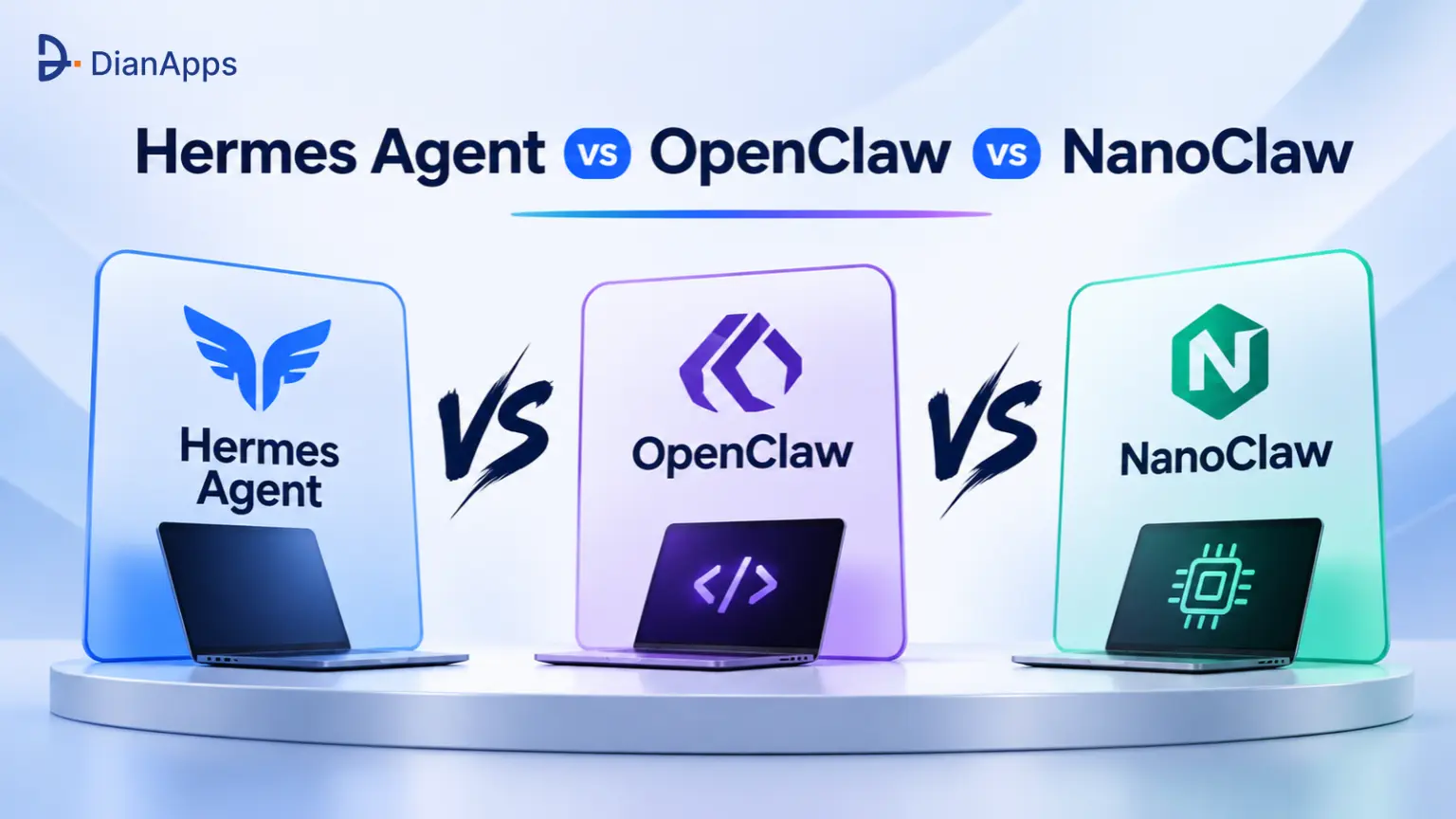
Every self-hosted personal agent makes the same pitch, a tireless assistant on WhatsApp or Telegram that reads your mail, runs your scripts, and remembers how you work. The trade-off between the three leading options is sharper than the marketing suggests because you are choosing between ecosystem breadth, self-improving memory, and container-level security, and no single project wins all three. This Hermes Agent vs OpenClaw vs NanoClaw comparison weighs default attack surfaces, memory architecture, true running costs, and a practical decision framework from the perspective of teams using AI agent development services to deploy and defend these tools on real servers.
Quick Summary and Key Takeaways: Which Open-Source Personal AI Agent Wins?
NanoClaw wins on default security, Hermes Agent wins on memory and self-learning, and OpenClaw wins on chat integrations and community size. The right choice depends on whether you value isolation, momentum, or reach more, because each project optimizes for one of those priorities.
- Best for Security
- NanoClaw. Every agent group runs inside an isolated Linux container that sees only explicitly mounted paths, and the entire codebase stays small enough to read in one sitting.
- Best for Memory and Momentum
- Hermes Agent. Its learning loop writes reusable skills from completed tasks, models user preferences over time, and persists Markdown memory across sessions.
- Best for Channel Breadth
- OpenClaw. Roughly 24 supported platforms, the largest skill marketplace, and extensive third-party documentation come at the cost of a wider default attack surface.
- Best for Budget Hosting
- Hermes Agent. It runs comfortably on a $5 VPS or serverless backends like Daytona and Modal with near-zero idle cost (i-SCOOP, 2026).
- Honest caveat: All three projects move quickly, so OpenClaw’s security posture improved after the early-2026 ClawHub incidents and Hermes keeps its Docker backend optional, meaning defaults can shift each quarter.
Master Comparison Table: OpenClaw vs Hermes Agent vs NanoClaw
OpenClaw is a TypeScript gateway with a huge ecosystem and opt-in sandboxing, Hermes Agent is a Python runtime with fail-closed approvals and a learning loop, and NanoClaw is a minimal Node.js orchestrator that containerizes every agent by default. These seven properties decide most real-world deployments.
| Property | OpenClaw (2.0, v2026.x) | Hermes Agent (Nous Research) | NanoClaw |
|---|---|---|---|
| Language and runtime | TypeScript on Node.js 24/26+ | Python | TypeScript on Node.js, Claude Agent SDK |
| Default security and sandboxing | Full host access unless Docker/SSH sandbox enabled and gateway bound to loopback | Fail-closed, approval prompts before risky shell commands, bare-metal execution unless Docker backend selected | Every agent group in an isolated Linux/Docker container, only mounted paths visible |
| Memory architecture | Tiered memory in authored workspace files | Cross-session Markdown memory, user modeling, auto-authored skills | Per-group CLAUDE.md memory, SQLite state, isolated filesystem per group |
| Model support | Multiple providers via configuration | 300+ models via OpenRouter, 18+ built-in providers, local models | Claude-first by default, other providers via add-ons or per-group config |
| Chat integrations | ~24+ (WhatsApp, Telegram, iMessage, Discord, Slack, IRC, LINE and more) | 20+ messaging platforms via gateway | WhatsApp, Telegram, Discord, Slack, Signal via /add-* modules in your fork |
| Hosting requirements | VPS or local machine, no hosted service | $5 VPS, local, serverless (Daytona, Modal) or Hermes Cloud | Local Mac (Apple Container) or Linux with Docker |
| License | MIT | MIT | MIT |
Sources: project documentation and repositories for OpenClaw, Hermes Agent and NanoClaw, reviewed November 2026. Channel counts change monthly.
If you only have time to examine one row closely, focus on the security row because that boundary is the hardest thing to retrofit once you have handed an agent your WhatsApp session.
Deep-Dive Security Analysis: Host Access vs Container Isolation
OpenClaw exposes the host by default and expects you to opt into isolation, Hermes Agent gates dangerous commands behind approvals while still running on bare metal unless you pick its container backend, and NanoClaw isolates every agent in a container before you touch a config file. That difference determines how much damage a single prompt injection can cause before a human steps in.
What is the default attack surface of each agent?
Any agent that reads untrusted input like emails, web pages, or group chats while holding shell access becomes a prompt-injection target by design, so the real question is the blast radius.
- OpenClaw: Out of the box, the gateway process runs with the permissions of the user who installed it, meaning a successful injection can read ~/.ssh, browser profiles, and every mounted drive. Docker and SSH sandbox modes exist, though you have to configure them yourself rather than getting them by default (OpenClaw docs, 2026).
- Hermes Agent: Risky shell commands trigger an approval prompt before execution, which stops obvious rm -rf or data exfiltration attempts before they fire. However, the agent process itself still runs on the host unless you select the Docker backend, so a bypassed approval carries host-level consequences.
- NanoClaw: Each agent group spawns its own Linux container with only its group folder mounted, and in OneCLI-based builds credentials never enter the container because authentication happens at a proxy layer (NanoClaw repositories, 2026). Even if an agent is compromised, it can only touch one folder and one chat channel.
An approval prompt works as a policy control while a container acts as a physical boundary, and policy controls tend to fail whenever a model gets tricked into believing it has permission.
How serious is the skill supply-chain risk?
Third-party skills carry the same supply-chain risks that package managers like npm have dealt with for years, and the early-2026 ClawHub incidents made that clear when malicious and over-permissioned skills pushed OpenClaw toward stricter scanning and review before listing (OpenClaw changelog, 2026).
- OpenClaw: Having the largest marketplace brings the widest exposure, which scanning now helps reduce, yet you are still trusting third-party shell commands with host access unless you enable sandboxing.
- Hermes Agent: Installing skills from ClawHub, Verce’s skills.sh, GitHub, and agentskills.io is convenient, though pulling from four registries multiplies the sources you have to trust alongside any self-authored code the agent writes itself.
- NanoClaw: Because it ships without a marketplace, skills exist as code changes in your fork, so every new capability passes through your own git diff where you can audit it directly.
How do you harden each one?
- OpenClaw hardening: Enable the Docker or SSH sandbox, bind the gateway to 127.0.0.1 behind Tailscale or an authenticated reverse proxy, run under a dedicated low-privilege user, and allowlist pinned skill versions.
- Hermes hardening: Select the Docker or container backend, keep approval prompts active for shell and network tools, run under a separate OS user, review auto-generated skills weekly, and store memory files outside world-readable paths.
- NanoClaw hardening: Mount only the directories each group genuinely needs, run containers inside Docker Sandboxes or a microVM for hypervisor-level isolation (Docker, March 2026), and rebase your fork regularly so upstream security fixes land.
All three agents can be locked down properly with the right configuration, yet NanoClaw is the only one that starts safe before you even read the documentation.
Ready to Harden Your Self-Hosted AI Agent?
Tell our engineering team about your security requirements, channels, and infrastructure so we can help you deploy a production-ready agent without exposing your host.
Memory and Self-Learning Loops Compared
Hermes Agent is the only one of the three that automatically turns completed tasks into new skills, OpenClaw 2.0 relies on authored memory tiers inside a workspace, and NanoClaw keeps a deliberately small per-group memory in CLAUDE.md files. More memory makes an assistant more capable while creating more data to protect, so the right balance depends on what your agent touches.
How does Hermes Agent’s learning loop work?
Hermes persists Markdown memory across sessions, builds a model of user preferences, and writes down successful multi-step procedures as reusable skills in what Nous Research calls a closed learning loop (Parallel, 2026). In daily use, a weekly report you asked for three times eventually becomes a single-line command.
That convenience brings a real review burden because skills written by an agent are still code, and an agent with a flaw in its memory will confidently repeat that flaw until you catch it.
What are OpenClaw 2.0’s memory tiers?
OpenClaw organizes context inside an authored workspace made up of a persona layer, long-term notes, session memory, and skill-level instructions. Because humans configure that environment and the agent operates within it, the setup stays predictable and easy to inspect even though it does not compound automatically.
Why is NanoClaw’s footprint minimal on purpose?
Every NanoClaw group gets its own CLAUDE.md memory file, its own SQLite rows, and an isolated filesystem where nothing crosses between groups unless you explicitly mount it. You give up cross-context intelligence in exchange for knowing that a family group chat will never see your work documents.
| Memory property | OpenClaw 2.0 | Hermes Agent | NanoClaw |
|---|---|---|---|
| Cross-session memory | Yes, authored tiers | Yes, Markdown plus user model | Yes, per group only |
| Automatic skill creation | No | Yes | No, skills are code changes |
| Cross-group isolation | Configurable | Configurable | Default |
| Audit effort | Moderate | High (review generated skills) | Low |
Hermes gets noticeably smarter while you sleep, whereas NanoClaw gives you the peace of mind that it cannot surprise you while you sleep.
True Cost Breakdown: What Does a Free Agent Actually Cost?
All three agents are free under the MIT license, yet running one continuously costs a VPS, background heartbeat tokens, and your own review time, which usually puts a single user between $8 and $60 per month. Switching to local models cuts the token bill to near zero if you have the hardware to support it.
Hosting
- OpenClaw: Node.js 24/26+ and the gateway run smoothly on a 2 GB VPS for roughly $10 to $12 per month at major cloud providers, plus extra headroom if you enable the Docker sandbox.
- Hermes Agent: It runs on a $5 VPS, and serverless backends like Daytona or Modal push idle costs near zero because the runtime sleeps between tasks (i-SCOOP, 2026), while paid Nous Portal plans include Hermes Cloud for zero-ops hosting.
- NanoClaw: Since it runs happily on a Mac you already own using Apple Container or on a Linux box with Docker, marginal hosting often stays at $0 unless you rent a 2 to 4 GB VPS.
The heartbeat tax
Always-on agents poll continuously, meaning scheduled checks of email, calendars, and chats burn tokens even when nothing new arrives. Running a heartbeat every 15 minutes on a frontier model with a 20k-token context easily costs $15 to $40 a month before you ask for a single task. Lengthen your polling intervals, assign a cheaper model to routine checks, and save the frontier model for actual work.
Local model savings
Hermes leads on model flexibility with 18+ built-in providers and community reports of full setups running on local Qwen models (Decrypt, 2026). OpenClaw supports local endpoints through configuration, whereas NanoClaw stays Claude-first and relies on community Ollama forks that trade away the native advantages of the Claude Agent SDK.
| Cost line (single user, monthly) | OpenClaw | Hermes Agent | NanoClaw |
|---|---|---|---|
| Hosting | $10 to $12 VPS | $5 VPS or near-zero serverless | $0 on existing Mac, else $10+ |
| Heartbeat tokens (frontier model) | $15 to $40 | $15 to $40 | $10 to $30 (fewer polls by design) |
| Local model option | Yes, configurable | Yes, strongest support | Limited, via add-ons |
| Realistic total | $25 to $55 | $8 to $45 | $10 to $40 |
*Estimates based on published provider pricing in November 2026 and typical 15-minute heartbeat intervals, your usage will differ.
Step-by-Step Decision Framework: Which Agent Should You Choose?
Choose NanoClaw if you want Claude-first security out of the box, choose Hermes Agent if you want a learning agent on cheap or local hardware, and choose OpenClaw if you need the widest chat platform support and largest skill library. Work through these five questions in order and stop at your first clear match.
- Will the agent read untrusted input like public email, group chats, or web pages?
- If yes and you prefer not to configure sandboxing manually, go with NanoClaw.
- Do you need more than five chat platforms, or specific channels like iMessage, IRC, or LINE?
- Pick OpenClaw and turn on the Docker sandbox on day one.
- Do you want the agent to speed up recurring tasks without writing skills yourself?
- Choose Hermes Agent and enable its container backend before connecting sensitive accounts.
- Are you deploying on a $5 VPS, a Raspberry Pi, or local models?
- Look at Hermes, Agent first, OpenClaw second, and NanoClaw only if you can run Docker alongside Anthropic’s API.
- Do you want to read every single line of code before running it?
- Pick NanoClaw, which sits at roughly 4,000 lines across a handful of files (Product Hunt, 2026).
Need Full-Cycle AI Agent Engineering for Your Team?
Share your architecture goals and compliance needs with us to explore custom multi-agent systems, container isolation, and enterprise integrations built around your stack.
How DianApps Approaches Self-Hosted Agent Deployments?
DianApps, a mobile and AI app development company, helps enterprises and scaling startups across 25+ countries deploy AI agents through 150+ engineers, 350+ clients served, and a U.S. delivery presence backed by a 4.8/5 Clutch rating across 81+ reviews with Premier Verified status.
Rather than splitting work across multiple vendors, DianApps handles the agent runtime, container hardening, channel integrations, backend services, and DevOps inside one cohesive engineering team. Our AI development services cover LLM development, generative AI, AI agents and multi-agent systems, conversational AI, NLP, and computer vision.
For an individual developer experimenting on a personal server, NanoClaw or Hermes out of the box is usually plenty without a custom build. Our team steps in when an agent needs to touch company systems with least-privilege access, pass a formal security review, and run reliably for an entire organization, which is where our guide to custom vs off-the-shelf AI agents becomes directly relevant.
Conclusion
Choosing between Hermes Agent, OpenClaw, and NanoClaw comes down to which default behavior matches your risk tolerance. OpenClaw gives you the widest ecosystem reach and expects you to lock the doors yourself, Hermes Agent gives you an assistant that compounds while asking you to review what it learns, and NanoClaw puts up container walls before adding features.
Whenever an agent will read messages or web pages you did not write, start from strict isolation and expand reach carefully rather than doing it in reverse. Whichever option you choose, enable sandboxing from day one, bind your gateway to loopback, pin every skill version, and monitor your heartbeat token spend during the first month.
If you want experienced engineers to design container policies, channel integrations, and observability for a team deployment, DianApps can map out the architecture with you.
 0 comments









Your email address will not be published. Required fields are marked *