















 0 comments





What Changed in 2026
The market landscape shifted meaningfully in the last twelve months. Here are the verified data points that shape the guidance below:
- Global mobile app market projected to hit $633.71 billion in 2026 (Statista App Market Forecast).
- MVP mobile app cost in 2026: $25,000-$50,000 over 6-10 weeks (DianApps client benchmark data).
- AI feature integration adds 15-25% to standard build costs (DianApps 2026 project benchmarks).
- Enterprise app builds average $150K-$500K over 6-12 months in 2026 (DianApps enterprise client data).
- Managed services averaging $5K-$25K per month for ongoing 2026 support (DianApps managed services benchmark).
Related Reading From Our 2026 Guides
For deeper context, see these companion guides:
- Mobile App Development Trends 2026
- How Much Does Mobile App Development Cost in 2026
- AI App Development Cost for US Businesses
Here’s an uncomfortable number: in over 40% of businesses, less than half of the CRM tools they’re paying for ever get used. If you’ve sunk budget into Salesforce development services and feel like you’re running a glorified spreadsheet with a login screen, you’re not imagining it; you’re just one of many.
Salesforce CRM optimization is the process of reconfiguring your existing Salesforce setup, data, automation, reporting, adoption, and AI to match how your teams actually work, rather than how the system was originally configured.
Done well, it has delivered an average ROI of 314%, climbing to 789% for organizations that get full adoption right.
This guide covers five practical ways to optimize Salesforce CRM in 2026, the warning signs you need it now, and where AI fits now that Agentforce and Einstein are standard parts of the conversation, not optional add-ons.
Also read the top 10 AI consulting partners of 2026 (Agentforce, Einstein, & Datacloud)
5 Signs Your Salesforce CRM Needs Optimization
Before the fixes, the diagnosis. If two or more of these sound familiar, optimization isn’t optional anymore:
- Reps keep a side spreadsheet “just in case.” This is the clearest signal of low trust in the system itself.
- Marketing and sales see different numbers for the same account. That’s a data model problem, not a reporting problem.
- Pulling a basic answer about your own pipeline feels like assembling a puzzle. If a simple report takes 90 minutes and three follow-up questions, the report builder has hit its ceiling.
- Reps log the bare minimum, or skip Salesforce entirely for some deals. This is usability and trust breaking down quietly, before anyone escalates it.
- New features get enabled and never get used. Einstein scoring, Flow templates, AppExchange apps sitting idle, paid-for capability with zero return.
What Salesforce CRM Optimization Is (and Isn’t)
These terms get used interchangeably, but they’re not the same project:
Term What It Actually Means When You Need It
Implementation Standing up Salesforce for the first time, objects, users, base configuration Day one, before anyone has logged a single record
Customization Building custom fields, objects, page layouts, and apps for your specific workflows Ongoing, as your business processes evolve
Optimization Auditing what's already configured and fixing what's underused, broken, or misaligned with real usage Whenever adoption, data quality, or performance start slipping, often 12+ months after go-live
Migration Moving data or processes from a legacy CRM into Salesforce Switching platforms, not improving one you're already on
If you’ve already implemented Salesforce and it’s just not delivering, you’re in optimization territory, which is what the rest of this guide covers.
Understand how to choose the right CRM for your business here.
The Cost of Leaving Salesforce CRM Unoptimized
The upside case is strong, but the downside case is what usually gets budget approved. A few numbers worth sitting with:
- 55% of CRM implementations fail to meet their planned objectives, and the leading cause is poor user adoption, not software limitations.
- 32% of reps spend over an hour a day on manual data entry, time that a properly automated org would simply give back.
- 42% of sales reps say they feel overwhelmed by too many tools, according to Salesforce’s own sales statistics, a sign that bolting on more apps usually isn’t the answer.
- 83% of companies now use AI features within their CRM, yet only 19% of reps use AI built directly into their CRM tools, while 45% default to general-purpose chatbots instead. That gap is paid-for capability going unused, same as the 40% stat that opened this piece.
An unoptimized Salesforce development CRM doesn’t fail loudly. It fails quietly, one skipped field and one parallel spreadsheet at a time, until the data is unreliable enough that nobody trusts the reports anymore.
Before we toggle ahead, it’s very important to understand the key Salesforce CRM trends taking place in the business world as of 2026.
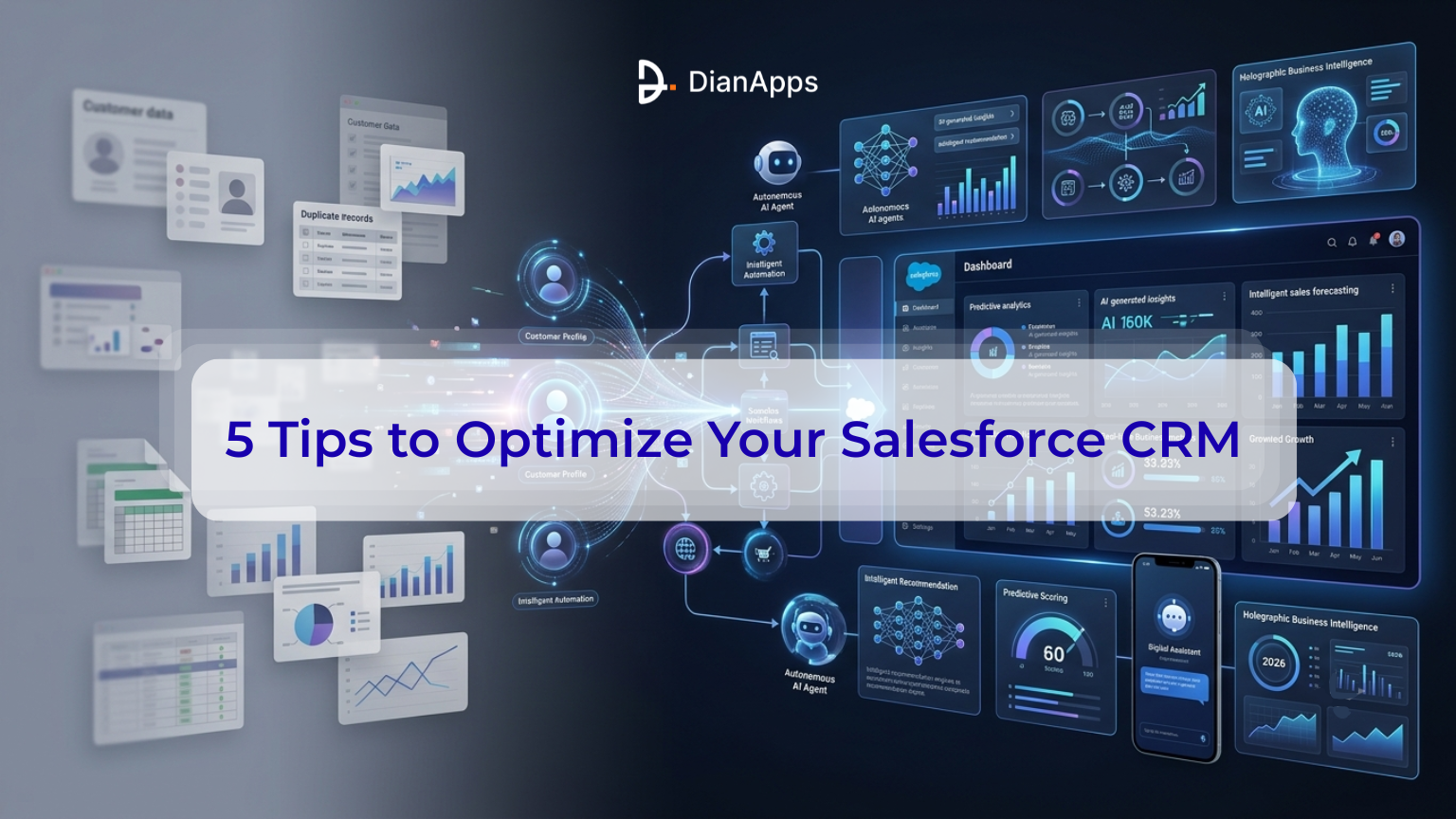
Top 5 Tips to Optimize Your Salesforce CRM in 2026
1. Clean Up Your Data Before You Touch Anything Else
Every optimization tip on this list assumes your data is trustworthy. If it isn’t, none of the rest works; automation just speeds up bad decisions, and AI features confidently act on records that are stale, duplicated, or wrong.
You must read the Salesforce CRM development key features and customizations for your business optimization.
Start here:
- Run a data audit. Use Salesforce’s built-in Duplicate Management tools to find and merge duplicate leads, contacts, and accounts. Schedule this monthly, not once a year.
- Set validation rules. Require key fields (industry, opportunity stage, contact role) to be populated before a record can be saved. This single habit prevents the “garbage in, garbage out” problem that undermines reporting and AI scoring alike.
- Assign data ownership. Someone, an admin, a RevOps lead, whoever, needs to own data hygiene as an ongoing job, not a cleanup project.
This isn’t busywork. Salesforce’s 2026 CRM Analytics updates specifically optimized how large datasets get processed, because clean, well-structured data is now the gating requirement for everything downstream, especially AI.
2. Automate the Repetitive Work, Not the Judgment Calls
Salesforce Flow has effectively replaced the older Process Builder and Workflow Rules, and it’s worth a fresh look even if your org has been running on legacy automation for years.
Good candidates for automation:
- Lead routing and assignment rules
- Follow-up task creation after a stage change
- Case escalation when a service ticket sits too long
- Data syncing between Salesforce and connected tools
What not to automate yet: judgment-heavy decisions where context matters more than speed, at least until you’ve validated the automation against real outcomes for a few months.
One stat worth sitting with: industry analysis suggests roughly a third of sales tasks could be automated today, but most companies haven’t acted on it. If your reps are still manually updating fields that a Flow could handle in the background, that’s optimization sitting on the table, unclaimed.
3. Build Reports and Dashboards People Actually Open
Reports nobody looks at aren’t insights, they’re noise. The fix isn’t more dashboards; it’s the right dashboards for the right roles.
- Create custom report types tied to what each team actually decides on. Marketing needs open and click-through rates. Service needs average handle time and first-contact resolution. Sales needs pipeline velocity and stage conversion.
- Keep dashboards role-specific. A dashboard trying to serve everyone usually serves no one.
- Connect to BI tools when you outgrow native reporting. Salesforce integrates with Tableau and Power BI for deeper, interactive analysis once your reporting needs outpace native dashboards.
If pulling a basic answer about your own pipeline feels like assembling a puzzle, that’s a sign your data model, not your dashboard design, needs attention first.
4. Train Your Team Like Adoption Is the Product
This is the tip every competitor mentions, and most are underweight. Adoption isn’t a launch-week checkbox; it’s the difference between a CRM and an expensive contact list.
- Build role-specific training, not one generic onboarding deck. A sales rep and a service agent use Salesforce completely differently.
- Use Trailhead for continuous learning. Salesforce ships frequent updates (Spring ’26 alone introduced AI-assisted setup tools and a redesigned Sales Workspace), so training has to be ongoing, not a one-time event.
- Make the CRM the single source of truth. If reps can hit quota while skipping Salesforce, they will. The fix is process, not nagging; every lead and deal update must flow through the system, no exceptions.
This matters because the data backs it up directly: low adoption is the single most-cited reason CRM projects fail to deliver ROI. Tooling rarely is.
5. Put AI to Work, Carefully and on Clean Data
This is where 2026 looks different from a 2022 version of this same list. Salesforce’s AI layer is no longer a future feature; Agentforce and Data 360 combined have already crossed roughly $1.2 billion in annual recurring revenue, making it the fastest-growing product line in the company’s history.
Two distinct tools are worth understanding:
- Einstein handles the predictive layer, lead scoring, opportunity insights, churn prediction, and next-best-action suggestions. It’s trained on your historical CRM data and works well once that data is clean (see Tip #1).
- Agentforce goes further: autonomous AI agents that can read records, trigger Flows, and complete multi-step tasks, like qualifying a lead or resolving a routine service case, without a human clicking through each step.
A few grounded starting points:
- Start with Einstein’s built-in scoring and recommendations before building custom Agentforce agents; it’s faster to enable and lower-risk.
- If you do deploy Agentforce, define narrow “topics” first (one workflow, like case routing) instead of trying to automate everything at once.
- Track acceptance rates on AI recommendations. If reps consistently dismiss suggestions, the issue is usually undercooked data or overly broad logic, not the AI itself.
The honest caveat: AI performance is only as good as the records feeding it. An agent built on messy pipeline data will act confidently on bad information, which is exactly why this tip sits last, not first.
Before and After: What Optimization of Salesforce CRM Actually Changes
| Area | Before Optimization | After Optimization |
|---|---|---|
| Data | Duplicate records, missing fields, conflicting numbers across teams | Validated entries, monthly dedup, one trusted source of truth |
| Automation | Reps manually update statuses and re-enter the same data | Flow handles routing, follow-ups, and syncing in the background |
| Reporting | Generic dashboards nobody opens; pipeline questions take hours to answer | Role-specific dashboards answering each team's actual questions |
| Adoption | Parallel spreadsheets, partial logging, inconsistent usage | CRM is the single source of truth; every deal flows through it |
| AI | Einstein/Agentforce enabled but ignored, or never turned on | AI recommendations tracked, trusted, and acted on because the data underneath is clean |
Don’t miss the Salesforce CRM challenges that a business can avoid after reading this guide.
Optimize Your Business With DianApps Salesforce CRM Solutions
Knowing what to fix is one thing. Finding the time and in-house expertise to actually fix it, across data models, Flow automation, Einstein configuration, and Agentforce rollout, is where most internal teams get stuck. That’s the gap a certified Salesforce partner is built to close.
Learn the key differences between Agentforce vs Einstein.
DianApps is a certified Salesforce consulting company operating across the USA, UK, Australia, Canada, and India, with a team holding 20+ Salesforce certifications across more than 150+ completed projects. Their Salesforce practice covers the full optimization lifecycle, this guide walks through:
- Salesforce consulting and audits: assessing an existing org to find exactly where data, automation, or adoption is breaking down before recommending fixes.
- Customization and configuration: building custom objects, fields, and page layouts so Salesforce reflects how your teams actually sell and serve, not a generic template.
- Integration services: connecting Salesforce to ERP, marketing automation, and other third-party systems via REST/SOAP APIs, so data stops living in silos.
- Einstein AI and Data Cloud implementation: configuring predictive scoring, next-best-action recommendations, and the Data Cloud foundation that AI features depend on.
- Managed services and ongoing support: ongoing monitoring, maintenance, and optimization, since (as this guide has covered) a healthy Salesforce org is a continuous process, not a one-time project.
For businesses with an unoptimized Salesforce org and no internal bandwidth to fix it methodically, working with a certified partner like DianApps replaces guesswork with a structured audit-first approach, the same diagnose-before-you-fix logic behind every tip in this guide.
Talk to DianApps about optimizing your Salesforce CRM
Final Thoughts
Salesforce evolves every few months. Your business does too. Treat these five areas, data, automation, reporting, adoption, and AI, as a quarterly check-in rather than a one-time fix, and review whether your setup still matches how your teams actually work today.
A useful gut check: if your team is still keeping a side spreadsheet “just in case,” or quietly avoiding parts of the system, that’s the system telling you where to optimize next.
 0 comments











Leave a Comment
Your email address will not be published. Required fields are marked *