















 0 comments
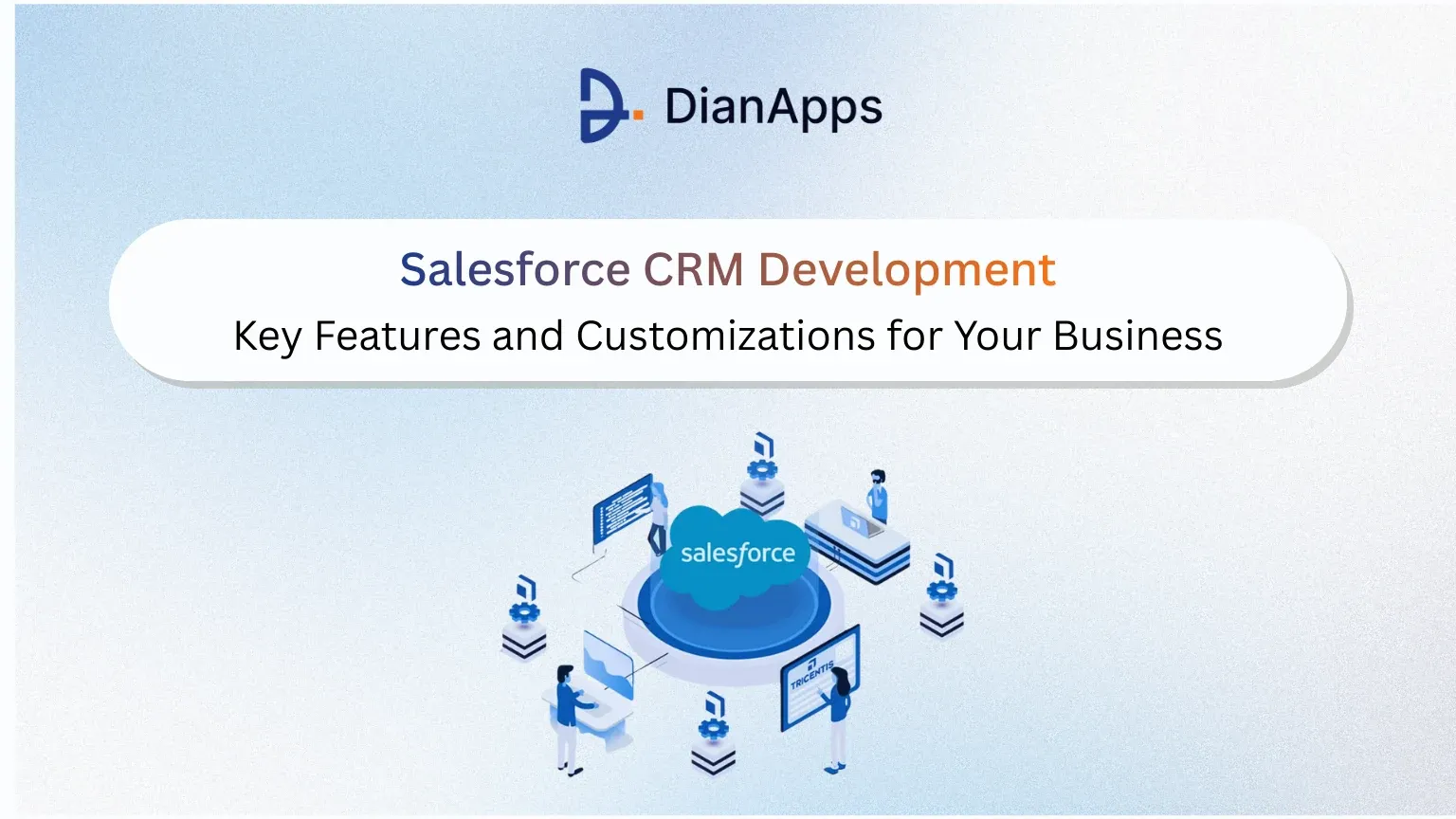





AI Overview:Salesforce CRM development involves configuring and customizing the Salesforce platform to align with a company’s sales, service, and marketing processes. Key capabilities include workflow automation, role-based dashboards, system integrations, data modeling, and AI-powered insights. Effective customization improves lead management, customer support efficiency, reporting accuracy, and cross-team collaboration. A structured implementation approach focused on clean data architecture, phased rollouts, governance, and user adoption ensures scalability and long-term value. When executed strategically, Salesforce becomes a centralized system that supports revenue growth, operational efficiency, and improved customer experience. |
Today, with the availability of multiple tools worldwide, businesses don’t really struggle because they lack tools. They struggle because their tools don’t work together, don’t showcase real processes, and don’t actually give the team what they’re looking for right now.
However, Salesforce usually misses follow-ups due to a long list. Marketing questions lead to quality. Support can’t see the full customer history. Leadership doesn’t trust the numbers.
That’s the gap Salesforce CRM development is meant to close.
Salesforce isn’t just a CRM you “use.” It’s a platform you shape. And the way you develop and customize it determines whether it becomes a growth engine or just another system people work around.
Let’s break down what actually matters.
What Salesforce CRM development really means
A lot of companies think Salesforce development is about adding fields and building a few reports. That’s the configuration. Helpful, yes, but surface-level.
But in reality, Salesforce CRM development is more about the platform alignment with how your business really operates and functions.
This process includes designing a data model that clearly showcases your customer lifecycle, creating interfaces that match how each team works, building automations that reduce manual effort, and integrating Salesforce with the rest of your tech stack so information inside the model can flow smoothly.
In short and simple words, it can be showcased as the difference between “we have Salesforce” and “Salesforce runs how we work.”
Recommended Read: Salesforce CRM Trends in 2026
Core Salesforce features that drive business performance
Salesforce, as a service, has multiple features, but not every feature is used to bring about measurable outcomes. The impact comes from how core clouds are implemented and connected.
Ensure to turn the pipeline into predictable revenue with Sales Cloud
Sales Cloud is a place where opportunity forecasting, pipeline visibility, and management live. But the real value appears when the system mirrors your actual sales motion.
Custom stages that reflect how deals progress in your business give leadership realistic forecasts. Automated task creation ensures reps follow up on time. However, an activity tracking feature allows you to highlight the stalled deals before they actually fall apart.
When the pipeline is developed properly, Salesforce ensures that it shifts the sales stage from reactive to proactive mode. Managers then work based on data, instead of complete guesswork. Now, people spend more time selling and less time updating spreadsheets.
Service Cloud: Making support a loyalty driver
Customers rarely remember a smooth transaction. They always remember a bad support experience.
Service Cloud is a platform that helps in such situations, centralizing case management, communication channels, and customer history. It is less difficult for support workers to respond to conversations immediately and more relevantly when they can have access to the customers’ past experiences, past orders, and current opportunities in a single spot.
Make sure to incorporate automated categorization and intelligent case routing so that tickets get picked up by the right individual on the first attempt. Resolution times drop. Customer satisfaction rises. Support stops being a cost center and starts protecting revenue.
Marketing and CRM alignment
One of the biggest challenges and data issues in most organizations is the difference between sales and marketing data. Marketing runs campaigns. Sales works leads. But both teams operate in different ways, with different sources and styles.
Campaign interaction flows into prospect records, lead ratings update rapidly, and sales can view a prospect’s whole history of interactions before approaching them when marketing automation integrates directly with Salesforce.
This automated alignment speeds up qualifications, improves lead quality, and finally gives marketing real-time visibility into pipeline contribution.
Data and platform capabilities
A reliable data foundation is the base of any effective Salesforce configuration. Data is organized for easier reporting, automation, and artificial intelligence due to custom objects, associations, and validation criteria.
Forecasts improve, automation works well, and dashboards become dependable when consumer data is consistent and tidy. Even the most excellent features fail in due to the absence of a reliable data architecture.
AI and automation inside Salesforce
You hear the term “AI” wherever you go at the moment, suggesting that technology is being used in everyday activities, but its usefulness still depends on the way it is applied.
Salesforce AI can assist with a variety of duties, including sorting leads, creating emails, summarizing cases, and suggesting next steps. Teams are able to focus on strategies and connections thanks to this automated tool, which saves time and eliminates repetitive work.
It’s essential to remember that AI is designed to enhance human judgment, not to replace it. It becomes a boost as opposed to a risk when it is introduced properly.
High-impact customizations that deliver real results
Customization is one of the factors that make Salesforce highly advantageous in this competitive landscape. In this section i have listed the areas that typically drive the biggest gains:
Automated lead management
Smart processes can assign leads according to location, product interest, or the number of transactions rather than manually analyzing incoming leads. Immediately, notifications are sent out, and automatic reactions are created.
Conversion rates have been directly affected by this significant decrease in response time.
Role-based user experiences
Every team comes with specific requirements and looks for different views. So, a sales representative in the field needs quick access to activities, deal status, and contacts on mobile phones. A support agent needs case details and communication history front and center. Executives need performance dashboards.
Custom Lightning pages and components ensure each role sees what matters most. When the interface of the platform completely matches the job, adoption increases, and with this, adoption is what turns features into results.
Workflow automation that removes busywork
Most of the tasks that take time can now be automated instead of relying on memory or manual tracking, such as reminders, approvals, internal handoffs, and renewals. Salesforce is used to check and take the right actions at the right time.
This process improves consistency, reduces errors, and frees teams to focus on higher-value work.
System integrations that eliminate silos
Salesforce functions efficiently when connected. Everyone uses the same data when enterprise resource planning (ERP) systems, billing platforms, assistance applications, and item databases are integrated.
This eliminates duplicate data entry, lowers reporting errors, and provides teams with an in-depth examination of each client.
Custom analytics that drive decisions
Generic dashboards rarely answer real business questions. However, custom reports and dashboards are required by businesses customized to leadership, operations teams, and sales managers provide insights that guide action.
When metrics are accessible and clear, performance conversations become focused and objective.
Recommended Read: Salesforce Implementation: In-house vs Outsource, What’s Best for Your Business?
Security, Compliance & AI Governance (Non-Negotiable)
Salesforce CRM is often considered a single source of all the information and customer data. Looking at this factor, security features become a business priority instead of just considering it as an IT task.
Use role-based access so employees can easily see what they require, such as limiting admin rights and reviewing permissions regularly.
So, with Salesforce, sensitive data can be protected with high-level security and encryption, especially for personal, financial, or regulated information.
However, to keep track of the actions, ensure to set up audit trails and monitoring. This system helps you to always know who changed what and when.
Also, to leverage AI features of the software, ensure to keep humans in the loop. So, you can review AI-generated content before it reaches the customers.
Document how data is used, where it comes from, and how long it’s stored.
Strong governance builds trust internally and with customers.
Implementation Roadmap: A Playbook You Can Follow
In this section, shown below, you will come across a practical step-by-step approach to the Salesforce implementation guide that majorly focuses on the real outcomes instead of over-engineering.
Define measurable business goals first
Before you start using Salesforce, make sure that the leadership is in agreement about what success truly means. Clear metrics keep implementation centered around impact rather than features, whether it’s improved support resolution, shorter sales cycles, faster lead response, or greater conversion rates.
Assess current workflows and operational gaps
Instead of looking for the processes like how they are supposed to work, you should look at how teams work in day-to-day life. You must also focus on identifying delays, approval bottlenecks, manual tasks, and data issues. These insights help businesses design workflows that remove friction instead of complexity.
Design a scalable and clean data model
To match the full customer journey and experience, ensure to set up objects, fields, and relationships. Think way more ahead about automation, reporting, and future AI use cases. However, a well-structured data model reduces duplication and keeps insights reliable as your business grows.
Plan system integrations early in the process
It is essential for deciding which software, such as billing, advertising, customer support tools, or ERP, needs to be linked with Salesforce in the early phases. Planning the integration, however, ensures that teams operate with consistent, current information across platforms and eliminates data bottlenecks.
Prioritize high-impact automations first
Make sure to begin with automations that give you instant value, such as follow-up notifications, new lead allocation, or case routing, rather than focusing directly on the complicated automation process. These rapid wins have the aim to boost confidence, increase consistency, and decrease early-stage manual work in the system.
Roll out in controlled, manageable phases
Don’t launch everything at once. Start with a focused deployment that takes care of the most important demands, then gradually grow. Before broader implementation, the technology is refined through experimentation and user input.
Invest in training, adoption, and continuous optimization
Salesforce CRM only performs actions if people literally leverage it. It offers role-specific training, tracks usage, and keeps improving workflows based on feedback. Make sure to consider Salesforce as a system that evolves or enhances with your business approaches.
Recommended Read: Common Challenges and Solutions in Salesforce Implementation
Common Pitfalls and How to Avoid Them
Even the highly invested Salesforce platforms can underperform when certain common mistakes come in picture. However, poor preparation, poor adoption methods, and rapid customization are more often the reasons for failures than technological barriers. You can make sure your CRM stays dependable, scalable, and utilized by those for whom it was designed for by avoiding the following errors.
Overcustomizing instead of standardizing
Excessively optimized code may solve issues in the short term, but it generally leads to long-term maintenance problems, upgrade conflicts, and higher costs. Always contemplate whether a configuration-based method could produce the same results before developing complex individual features.
Allowing data duplication and poor hygiene
Decision-makers start questioning system reliability when dashboards and reports lack deduplication methods, inconsistent information, and lack validation standards.
Ignoring change management and training
Without complete communication, support, and onboarding, users revert to old habits, undermining ROI and reducing adoption rates.
Weak governance and testing practice
Lack of documentation processes, sandbox testing, and release controls increases the risk of errors and system instability.
Final Words
Success with the Salesforce platform doesn’t easily come with flipping a switch. However, it comes from building a system that reflects how your teams actually support, sell, and grow customer relationships every day.
However, the right Salesforce strategy comes with combined clean data, smart customization, strong governance, and thoughtful automation. However, when those pieces work together, Salesforce really becomes more than just a CRM; it then becomes a growth platform.
That’s where expert Salesforce implementation services come in picture. With the right guidance from the service provider, you avoid costly missteps, accelerate adoption, and turn your CRM investment into a measurable business impact that compounds year after year.
 0 comments











Leave a Comment
Your email address will not be published. Required fields are marked *